An employee experience platform should make everyday work easier for employees. It should help people receive relevant information, find trusted answers, give feedback, access workplace services, communicate with colleagues and managers, and complete routine tasks without constantly moving between disconnected systems.
For buyers in 2026, the difficult part is that the employee experience platform has become a broad software category. Employee apps, intranets, survey platforms, recognition tools, performance systems, and digital workplace hubs can all sit under the same label.
They do not solve the same problem.
The best way to choose an employee experience platform is to identify the employee experience problem first, then compare vendors across features, pricing, integrations, security, workforce access, administration, implementation, and long-term fit.
This buyer’s guide evaluates seven platforms worth considering in 2026:
- HubEngage
- Staffbase
- Workvivo
- Simpplr
- LumApps
- Qualtrics Employee Experience
- Culture Amp
The ranking makes the comparison easier, but it is not a claim that one platform is universally better than every platform below it. The products solve different parts of employee experience, which is exactly why the selection criteria matter.
Key Takeaways
- Employee experience platforms are not one uniform category. Communication platforms, intranets, listening systems, and people-management platforms solve different parts of employee experience.
- Start with the employee problem before comparing product features.
- Compare the complete three-year cost, not only the first subscription quote.
- Evaluate integration depth, not the number of integration logos on a vendor website.
- Frontline access, identity management, security, governance, and administration can matter as much as headline features.
- Give every shortlisted vendor the same employee scenarios during demonstrations.
- A broad platform is not automatically better. A specialist product may be the stronger purchase when the requirement is narrow.
What Is an Employee Experience Platform?
An employee experience platform, often shortened to EXP, is software designed to improve how employees interact with company communication, workplace information, managers, feedback programs, recognition, employee services, and other digital systems used during everyday work.
Depending on the platform, an EXP may combine:
- internal communications;
- employee mobile apps;
- intranet and knowledge;
- enterprise search;
- employee surveys;
- recognition;
- social communities;
- messaging;
- employee directories;
- onboarding resources;
- HR self-service;
- personalization;
- workplace integrations;
- analytics;
- AI-assisted search and information access.
Employee experience itself is broader than software.
CIPD’s employee experience guidance considers the wider relationship between employees and their organization, including areas such as employee voice, engagement, management practices, communication, and the working environment.
For additional background, see CIPD employee experience guidance.
Software cannot repair poor management, unreasonable workloads, unclear priorities, or broken approval processes by itself.
What software can do is remove friction when employees are trying to receive information, find answers, provide feedback, recognize colleagues, access services, or complete routine workplace tasks.
That distinction should shape the entire buying process.
Employee Experience Platform vs. Employee Engagement Platform
An employee engagement platform normally focuses more directly on whether employees feel informed, heard, recognized, connected, and involved.
An employee experience platform usually covers a wider part of working life.
It may include engagement functions, but it can also address:
- finding workplace information;
- accessing employee services;
- navigating HR systems;
- onboarding;
- internal knowledge;
- workplace search;
- employee self-service;
- manager communication;
- employee journeys.
The categories overlap heavily.
A communication platform might call itself an EXP because communication affects employee experience. A survey vendor may use the same label because it measures how employees experience the organization. An intranet company can use it because its product becomes the main employee destination for information and services.
This is why buyers should look at the platform’s design center, meaning the problem the software is primarily built to solve.
For related reading, see Employee Experience vs. Workforce Experience.
Employee Experience Platform vs. Digital Employee Experience Software
Buyers also need to distinguish an employee experience platform from digital employee experience software, often called DEX.
In HR and Internal Communications, digital employee experience can describe employees’ overall experience with workplace technology.
In IT, however, DEX can refer to software used to monitor laptops, applications, virtual desktops, endpoint health, network performance, and technology problems.
Those are different buying categories.
If employees cannot find HR information, receive company updates, participate in feedback programs, or navigate workplace applications, you are probably dealing with an employee experience, communication, intranet, or employee-hub problem.
If the issue is application crashes, slow devices, network latency, or virtual desktop performance, an IT-led DEX product is probably more relevant.
Understanding the difference saves a great deal of irrelevant vendor research.
Start With the Employee Problem, Not the Software
Do not begin by opening seven vendor websites and creating a spreadsheet of checkmarks.
Write down the two or three employee problems that actually need to improve.
Examples might include:
“Frontline employees regularly miss operational updates.”
“Employees cannot find the current version of company policies.”
“We collect engagement feedback, but managers do not know what to do with it.”
“Employees need six separate systems to complete everyday workplace tasks.”
Those are buying problems.
“Implement an employee experience platform” is not.
Turn On Work’s broader Employee Experience Strategy 2026 guide looks at this same issue from the strategy side: employee experience sits across communication, technology, management, and operating processes rather than one HR program.
Match the Employee Problem to the Capability
| Employee problem | Capabilities to prioritize |
| Important updates are missed | Employee app, email, mobile push, SMS, digital signage, audience targeting |
| Employees receive irrelevant information | HRIS segmentation, personalization, audience rules |
| Policies are difficult to find | Enterprise search, intranet, content governance |
| Frontline workers struggle to access systems | Mobile-first experience, simple authentication, non-email access |
| Surveys produce little action | Listening analytics, manager reporting, follow-up workflows |
| Recognition is inconsistent | Peer recognition, manager recognition, milestones, rewards |
| Employees use too many systems | Employee hub, integrations, self-service |
| Local teams depend on headquarters to communicate | Delegated administration, regional permissions |
| Onboarding feels fragmented | Employee journeys, targeted communication, knowledge access |
| Routine HR or IT requests take too long | HR/IT integrations, self-service, workflows |
This problem-first approach protects the project from feature creep.
A vendor may demonstrate thirty interesting functions. If only eight relate to problems you need to fix, those eight should receive most of the evaluation time.
Employee Experience Platform Features to Evaluate in 2026
The correct feature set depends on your organization. Still, the following capabilities deserve attention in most serious EXP evaluations.
1. Employee Communication
Communication is one of the foundations of employee experience because employees cannot act on information they never receive.
A useful communication layer should allow organizations to target information according to attributes such as:
- location;
- department;
- role;
- business unit;
- language;
- employment type;
- manager.
But targeting alone is not enough.
Different employees use different channels.
A corporate employee may spend most of the day in Outlook and Microsoft Teams. A retail worker may depend on a phone. A warehouse employee might have no company email account.
For distributed workforces, examine whether the platform can reach people through the channels that fit their work, including mobile apps, push notifications, email, SMS, Teams, Slack, web portals, and digital displays.
Turn On Work’s Employee Communication Tools guide examines communication channels, features, and buying criteria in more detail.
2. Mobile and Frontline Access
A platform can look excellent during a desktop demonstration and still be frustrating for frontline employees.
That matters especially in industries such as manufacturing, healthcare, hospitality, retail, logistics, construction, transportation, and field services.
Ask one question early:
Can an employee without corporate email access the platform easily and securely?
Then test the actual process.
Look at:
- employee onboarding;
- authentication;
- password recovery;
- mobile navigation;
- personal-device access;
- language support;
- push notifications;
- accessibility;
- shared-device use where relevant.
Do not accept “we have a mobile app” as proof of frontline suitability.
Make the vendor demonstrate the employee journey.
3. Employee Listening and Surveys
Employee listening should do more than distribute an annual survey.
Depending on your organization, useful functions may include:
- engagement surveys;
- pulse surveys;
- onboarding feedback;
- lifecycle surveys;
- change surveys;
- manager feedback;
- sentiment analysis;
- text themes;
- segmentation;
- manager dashboards;
- action planning.
Survey confidentiality deserves particular scrutiny.
Ask what happens if only four employees in one team respond.
Can managers filter results by location, tenure, shift, or role?
Can administrators see individual comments?
Does the platform enforce minimum reporting thresholds?
Removing a person’s name does not automatically make the response anonymous if other data can reveal who provided it.
For a deeper treatment of this area, see How to Analyze Employee Survey Answers and Turn Feedback Into Action.
4. Recognition
Recognition is another common EXP capability.
Look beyond an attractive appreciation feed.
A proper recognition evaluation should consider:
- peer recognition;
- manager recognition;
- service anniversaries;
- milestones;
- company-value recognition;
- points;
- rewards;
- approvals;
- reward budgets;
- mobile accessibility;
- analytics.
For frontline organizations, test how recognition works for employees who rarely open a traditional intranet.
Turn On Work has a separate comparison of employee recognition software for frontline, remote, and hybrid teams.
5. Intranet, Knowledge, and Search
Employees should not need to know which internal application owns a document before they can find it.
Modern employee experience platforms increasingly combine:
- company news;
- intranet content;
- policies;
- workplace resources;
- directories;
- enterprise search;
- connected documents;
- AI-assisted answers.
That creates a different buying challenge.
Do not ask only:
“Does the platform have search?”
Ask:
Which repositories can it search?
Does it preserve the permissions of the source system?
How does it deal with outdated documents?
What happens when two policies contradict each other?
Can an employee see the source behind an AI-generated answer?
AI search sitting on top of poor information governance does not solve a knowledge problem. It can return poor information faster.
Turn On Work explores this shift in The Post-Intranet Workplace.
6. Employee Self-Service
A useful EXP should help employees do something, not only read something.
Common scenarios include:
- checking leave;
- accessing payroll information;
- finding benefits;
- opening HR forms;
- starting an IT ticket;
- accessing training;
- launching workplace applications;
- requesting equipment.
This is where the difference between a hyperlink and an integration becomes important.
A button that sends an employee to Workday can be useful.
A platform that surfaces relevant information or helps the employee begin a workflow while preserving identity and permissions offers a deeper employee experience.
Make vendors demonstrate actual tasks rather than showing integration logos.
7. Personalization and Targeting
Personalization can reduce information overload when it uses accurate employee data.
Common targeting attributes include:
- department;
- location;
- role;
- manager;
- business unit;
- language;
- employment type;
- permissions.
But personalization depends on data quality.
If an employee’s location is wrong in the HR system, the EXP can distribute irrelevant content very efficiently.
Ask where personalization data comes from, how frequently it updates, and what happens when an employee moves to another role or location.
8. Analytics
EXP analytics should answer operational questions.
For example:
Did employees receive the safety announcement?
Which locations have lower participation?
Can employees find the new benefits policy?
Which populations report a weaker onboarding experience?
Are managers acting on survey feedback?
Do frontline employees use the mobile platform?
Page views and total logins have some value, but they do not automatically show whether employee experience is improving.
Ask:
Which problem can this dashboard help us diagnose or manage?
9. Integrations
An employee experience platform usually sits alongside existing technology rather than replacing everything.
Common connections include:
HR systems: Workday, SAP SuccessFactors, UKG, ADP, BambooHR, HiBob, Personio.
Identity: Microsoft Entra ID, Okta, Google Workspace, SAML-compatible identity providers.
Productivity: Microsoft 365, Microsoft Teams, SharePoint, Google Workspace, Slack.
Workplace services: ServiceNow, Salesforce, Zoom, payroll systems, document repositories, and learning platforms.
Do not count logos.
Evaluate integration depth.
Level 1: Authentication
Can employees use the company’s existing identity provider?
This removes some password friction but does not necessarily keep employee data current.
Level 2: Provisioning
Can new employees receive access automatically?
Can departing employees lose access automatically?
Level 3: Employee Data
Can attributes such as department, manager, location, language, and employment type remain synchronized?
These fields often drive targeting and permissions.
Level 4: Workflow and Content
Can useful information or actions move across systems?
Can an employee find SharePoint content?
Can HR information appear in the employee hub?
Can someone start a ServiceNow request?
Can communication appear in Microsoft Teams?
This is the level where an integration begins directly changing the employee experience.
10. Security, Privacy, and Governance
Employee experience platforms may contain employee profiles, company communication, survey responses, recognition information, analytics, and potentially sensitive employee feedback.
Security needs to enter the evaluation early.
Common review areas include:
- SSO;
- MFA;
- role-based access;
- encryption;
- audit logs;
- hosting;
- data residency;
- retention;
- subprocessors;
- SOC 2;
- ISO 27001;
- privacy requirements;
- incident handling;
- data deletion;
- survey confidentiality.
AICPA describes SOC 2 examinations as covering controls relevant to areas such as security, availability, processing integrity, confidentiality, and privacy.
For an authoritative reference, use AICPA SOC 2 resources.
Do not treat a certification logo as the security review.
If a particular report is required, confirm its date, type, audit period, scope, and whether the service you are purchasing is covered.
Employee Experience Platform Pricing: What Buyers Should Compare
There is no useful universal employee experience platform price.
Enterprise vendors commonly use custom pricing because costs can depend on employee count, workforce composition, modules, implementation, integrations, support, contract term, and communication channels.
Common pricing structures include:
- per-employee pricing;
- module-based pricing;
- workforce-based pricing;
- custom enterprise contracts.
That means a first-year subscription quote is a poor basis for comparison.
Build a Three-Year Total Cost Model
Ask each shortlisted vendor to price the same scenario.
| Cost area | What to establish |
| Subscription | Which employee population is included? |
| Modules | Which capabilities cost extra? |
| Implementation | What setup work is included? |
| Migration | Who moves content and data? |
| Integrations | Which connections are standard? |
| Custom work | Are APIs or workflows chargeable? |
| Support | Which service level is included? |
| Training | Is administrator or manager training extra? |
| Additional channels | Do SMS or digital displays create added costs? |
| Rewards | Is reward spend separate? |
| Growth | How does the price change with headcount? |
| Renewal | What happens after the initial contract? |
| Administration | How much internal staff time will the platform require? |
A practical calculation is:
Three-year TCO = subscription + required modules + implementation + migration + integrations + support + usage charges + expected growth + internal administration
The better question is not:
“Which employee experience platform is cheapest?”
It is:
“Which platform gives us the best fit at a total cost we can sustain?”
How We Evaluated the Employee Experience Platforms
The ranking below is designed for a broad employee experience platform buyer’s guide.
The evaluation considers:
- Overall employee experience use-case fit
- Employee communication and workforce reach
- Employee listening and engagement
- Knowledge and employee-hub capabilities
- Integrations and identity management
- Security and enterprise governance
- Mobile and frontline suitability
- Pricing structure
- Implementation and administration
- Fit with existing HR and workplace technology
Breadth receives some weight because this guide is designed for buyers comparing EXP categories.
That does not mean the broadest product is automatically the strongest.
For example, Qualtrics Employee Experience can be much more appropriate than a general employee hub when sophisticated listening and workforce analytics are the primary requirement.
7 Employee Experience Platforms to Evaluate in 2026
Employee Experience Platform Comparison
| Rank | Platform | Best suited to | Pricing approach | Main buying consideration |
| 1 | HubEngage | Communication, broader engagement, frontline and distributed workforces | Custom, employee-count based | Multi-channel employee communication and engagement |
| 2 | Staffbase | Enterprise communication, intranet and complex distributed workforces | Custom by workforce/configuration | Communication governance and enterprise scale |
| 3 | Workvivo | Communication, communities and employee hub | Custom by licenses/requirements | Core platform versus optional products |
| 4 | Simpplr | Modern intranet, enterprise search and employee hub | Volume-based custom pricing | Knowledge access and intranet modernization |
| 5 | LumApps | Connected enterprise employee hub | Custom enterprise pricing | Integrations and workplace-system complexity |
| 6 | Qualtrics Employee Experience | Employee listening and lifecycle analytics | Employee-based/custom pricing | Depth of employee listening |
| 7 | Culture Amp | Engagement, performance and employee development | Employee/product/service-tier based | HR-led manager and employee programs |
1. HubEngage
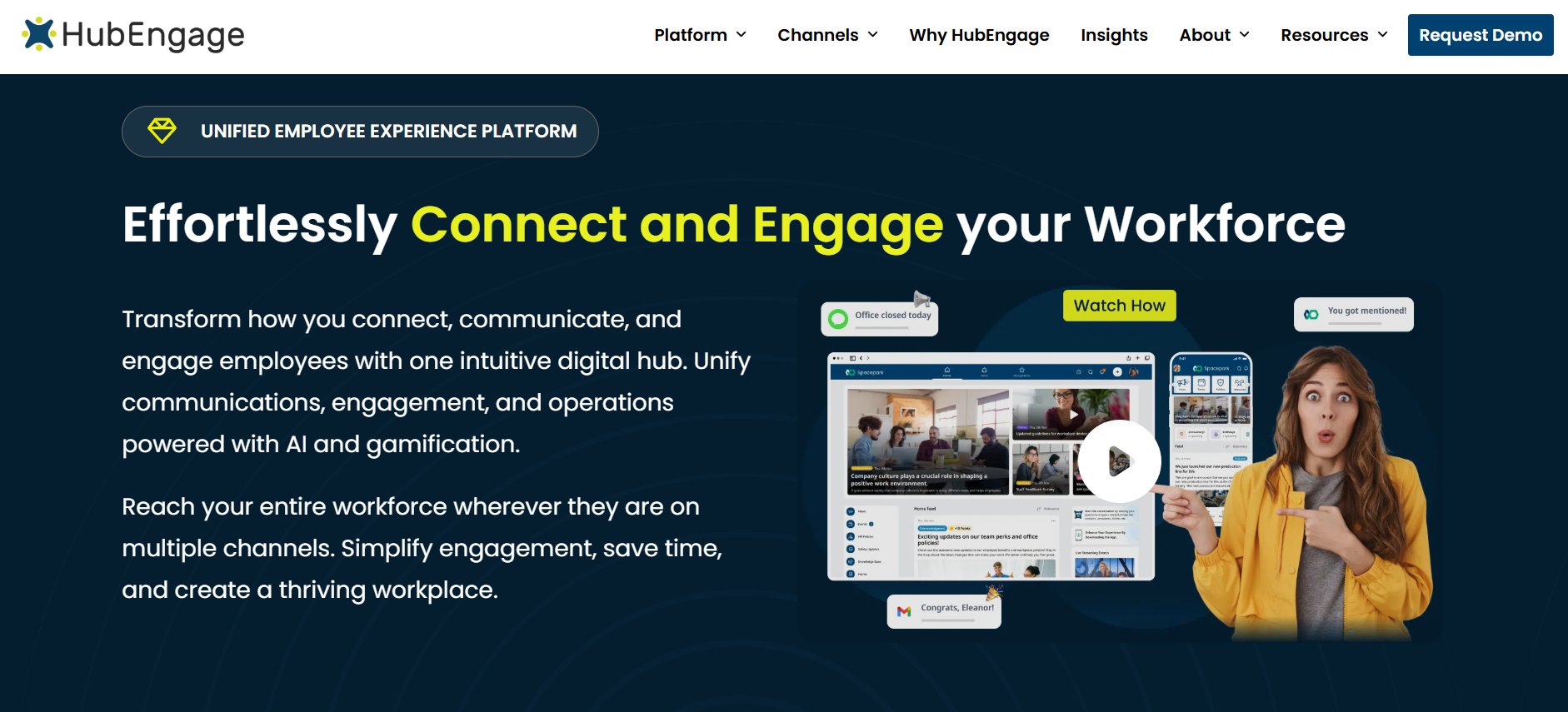
Best for: Organizations that want employee communication, surveys, recognition, social engagement, messaging, and multiple employee channels in one configurable platform, especially companies with frontline or distributed workforces.
HubEngage approaches employee experience from a communication-and-engagement starting point. Its integration documentation covers Microsoft Entra ID, Google Workspace, Okta, and other SAML identity providers, employee-data synchronization, SharePoint, Microsoft Teams, APIs, and related workplace connections.
That positioning becomes relevant when employee-facing systems have become fragmented.
A manufacturer might currently use email for corporate staff, separate survey software for employee feedback, another system for recognition, and manual communication methods for frontline employees.
A broader platform can be useful if it reduces those separate employee destinations without making administration more difficult.
Pricing: HubEngage uses quote-based pricing rather than publishing one universal EXP rate. Buyers should request the complete proposed configuration, including required modules, implementation, integrations, support, and additional communication channels.
Integrations and security: HubEngage publicly documents SAML-based authentication, HR-system synchronization, SharePoint and Teams connections. Its security documentation discusses customer-data isolation and replicated data-center infrastructure.
Buyer fit: HubEngage makes the most sense when employee communication and broader engagement functions need to work together. If sophisticated workforce research is the primary objective, a listening-focused product may fit better. If the project is primarily a large intranet replacement, compare intranet-led platforms as well.
Demo question:
“Publish an urgent update to employees in three locations, deliver it through the channels those employees use, collect acknowledgement or feedback, and show how the administrator measures the result.”
2. Staffbase
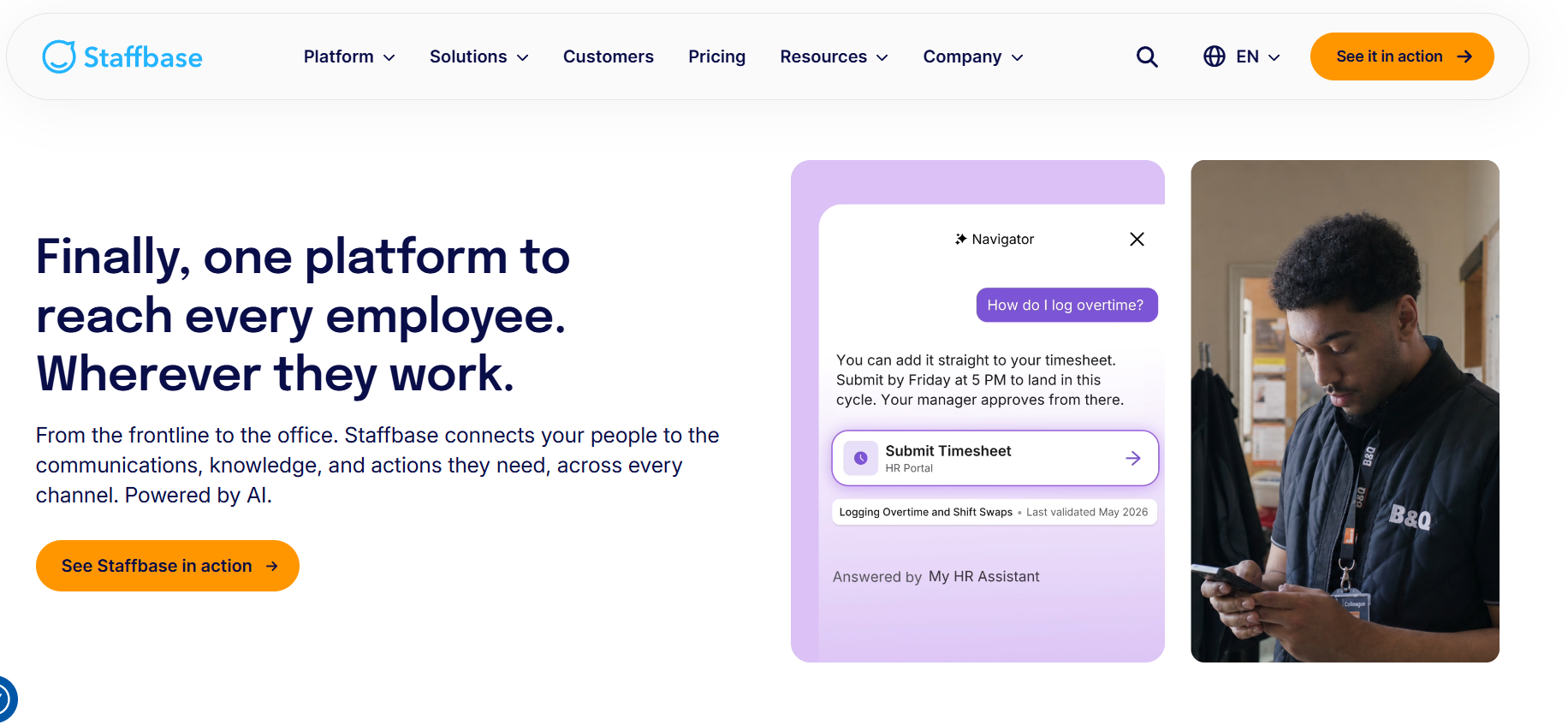
Best for: Larger organizations where internal communication, employee apps, intranet, frontline access, and multi-level governance are central to employee experience.
Staffbase is strongly communication-led. Its current pricing explicitly distinguishes frontline workforces, mixed workforces, and more complex enterprise configurations. It also supports organizations that want to begin with one channel and later add intranet, email, or digital signage.
This matters when the real buying problem is organizational complexity.
A multinational organization may have corporate communications, country teams, HR teams, business-unit publishers, plant managers, and local administrators all communicating with overlapping employee populations.
That is not only a publishing problem. It is a governance problem.
Pricing: Staffbase uses custom pricing based on workforce structure and configuration rather than one public rate. Its current pricing documentation specifically mentions dedicated frontline pricing and flexible mixed-workforce pricing.
Integrations and security: Staffbase distinguishes simple links from embedded and connected integrations, which is useful when evaluating integration depth. Current HR integrations include Workday and SAP SuccessFactors for employee self-service information such as payslips and absence information.
Buyer fit: Staffbase is particularly relevant when enterprise communication and governance have become difficult to manage. A smaller desk-based organization should first determine whether another employee destination adds enough value over its existing Microsoft or Google environment.
Demo question:
“Show how a global communications team, a country communications manager, and a local site manager can each publish to the correct employee audience without receiving unnecessary access to the rest of the organization.”
3. Workvivo
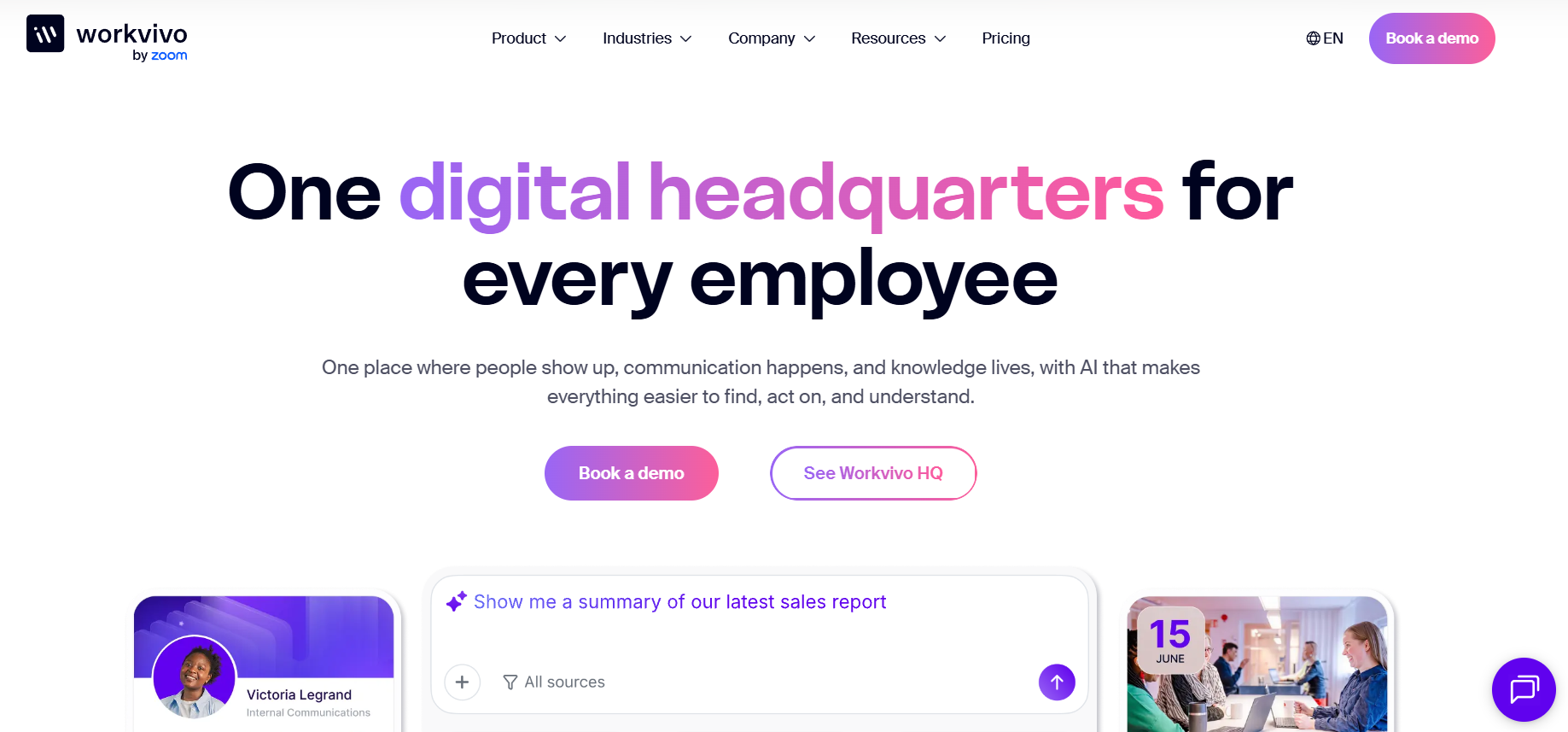
Best for: Mid-sized and large organizations that want employee communication, community interaction, company knowledge, and workplace access within a more social employee hub.
Workvivo currently centers its offering around Workvivo HQ, which combines communication, knowledge, engagement, mobile access, audience targeting, SSO, user provisioning, integrations, APIs, analytics, and platform controls. Additional products can extend the environment into employee listening, search, chat, digital signage, and deeper analytics.
This product architecture is important for buyers.
Workvivo can look broad during a demonstration, but the commercial proposal needs to show which capabilities sit inside the core configuration and which require another product.
Pricing: Workvivo uses custom pricing based on license count and organizational requirements. Its current pricing page states that it does not offer a standard free trial, although tailored demonstrations are available.
Integrations and security: Workvivo HQ includes SSO, automated provisioning and deprovisioning, integrations, APIs, role-based security, audit logging, and mobile access. Its current commercial documentation lists SOC 2 and ISO 27001 among its security controls.
Buyer fit: Workvivo deserves attention when communication and community are central to the employee experience strategy. Buyers should map add-ons carefully when comparing it with vendors that package listening, search, messaging, or digital signage differently.
Demo question:
“Show the same employee journey for an office employee working in Microsoft 365 and for a frontline employee who relies mainly on a phone.”
4. Simpplr
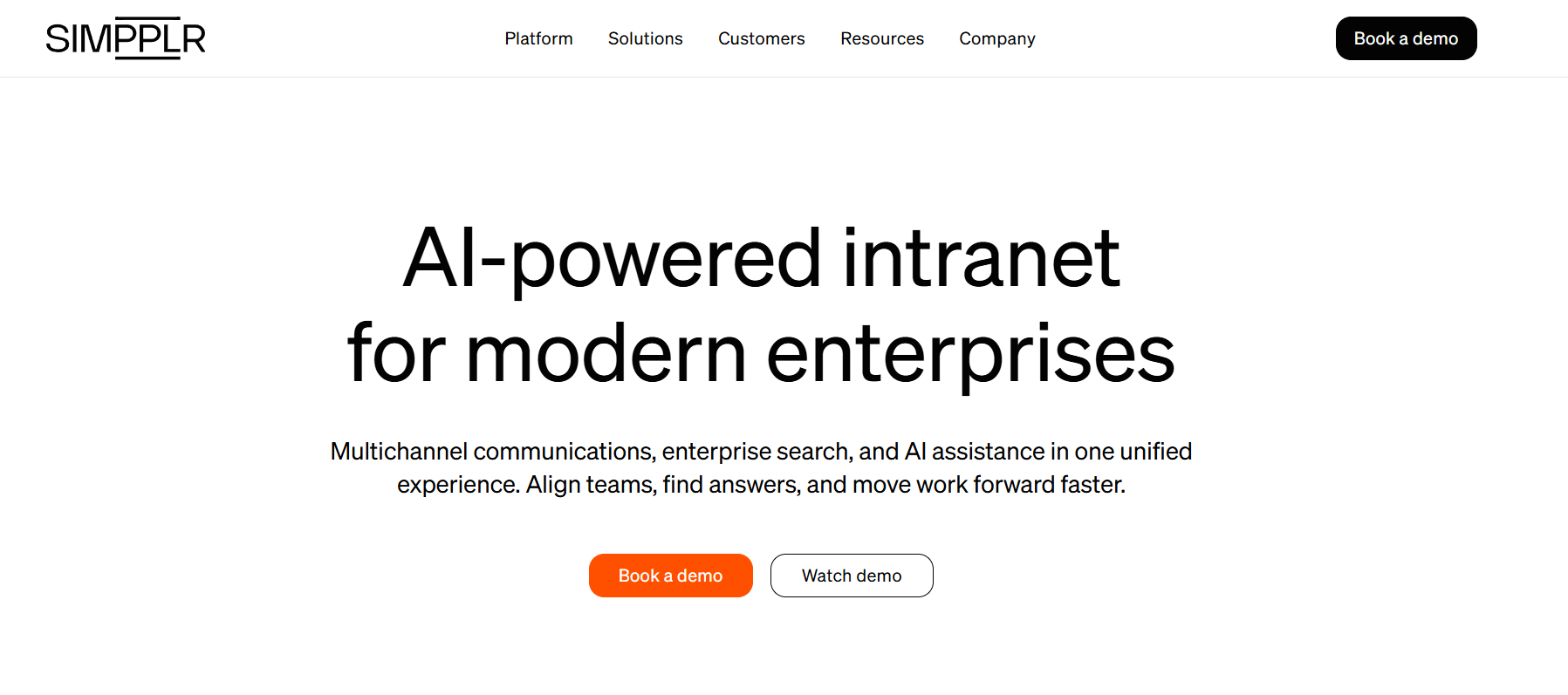
Best for: Mid-market and large organizations replacing an outdated intranet or creating a central employee destination for communication, knowledge, search, and workplace resources.
Simpplr sits closer to the intranet and employee-hub side of the employee experience market.
It becomes particularly relevant when employees say:
“I know the information exists, but I don’t know where.”
or:
“Search gives me several versions of the same policy.”
These are knowledge and governance problems, not simply communication problems.
Pricing: Simpplr uses volume-based custom pricing. Its current pricing documentation says quotes depend on organization size, complexity, and ongoing support requirements. The subscription includes technical support, Customer Success oversight, training, and best-practice guidance.
Integrations and security: Simpplr supports connected enterprise search and workplace integrations. Current documentation shows detailed permission handling for SharePoint search connections, including source-system permission considerations and encrypted credential storage.
Buyer fit: Simpplr belongs high on the shortlist when the project is fundamentally about intranet replacement, enterprise search, or making employee information easier to find. It is less directly suited to organizations whose main requirement is sophisticated employee listening or communication channels such as SMS.
Demo question:
“An employee searches for the current parental-leave policy while an outdated document with a similar name still exists in a connected repository. Show what appears, how permissions work, and how employees identify the authoritative source.”
5. LumApps
Best for: Larger organizations looking for an employee hub that connects workplace communication, knowledge, HR systems, enterprise applications, and self-service.
LumApps approaches employee experience from the connected digital-workplace side of the market.
That makes it relevant when employees already use several large enterprise systems and the company does not want to replace them, but people struggle to navigate across them.
Current LumApps integration materials describe 100+ connectors and integrations with systems such as Workday, SAP SuccessFactors, Microsoft 365, SharePoint, Google Workspace, ServiceNow, Salesforce, Okta, Slack, and Zoom.
Pricing: LumApps relies on tailored enterprise proposals rather than one universal public EXP price. Buyers should calculate subscription, implementation, migration, integrations, custom employee applications, support, and administration together.
Integrations and security: LumApps’ Workday integration can support employee data synchronization, time-off information, shift information, and HR self-service scenarios. Its current security page states support for ISO 27001, SOC 2 Type II, granular permissions, SSO, and encryption at rest and in transit.
Buyer fit: LumApps becomes more relevant as enterprise-technology complexity increases. Its breadth may be unnecessary for an organization that needs only employee surveys or straightforward communication.
Demo question:
“An employee needs to find a company policy, check HR information, and begin an IT request. Show the complete journey across connected systems, including identity and permissions.”
6. Qualtrics Employee Experience
Best for: Organizations where employee listening, lifecycle feedback, segmentation, workforce analytics, and manager action are the main employee experience requirements.
Qualtrics Employee Experience belongs to a different part of the market than communication-led and intranet-led platforms.
Its central role is understanding what employees are experiencing and helping organizations turn that feedback into decisions.
Current Qualtrics Employee Experience capabilities include employee engagement and pulse programs, lifecycle listening, 360 feedback, analytics, and manager-focused action support.
Pricing: Qualtrics’ Employee Experience offering uses employee-based pricing, and current pricing documentation asks buyers to request a tailored quote.
Integrations and security: Qualtrics supports HRIS employee-data extraction and synchronization, with Workday specifically documented as one example. Its security documentation states that Qualtrics has a SOC 2 Type II report and multiple ISO certifications.
Buyer fit: Qualtrics should not be evaluated as if it were an intranet replacement. Its value is strongest when employee listening and analysis are the core problem. An organization can reasonably use Qualtrics alongside another employee hub rather than viewing the products as direct substitutes.
Demo question:
“Show how you would identify a meaningful employee-experience difference between two employee groups, protect respondent confidentiality, identify likely drivers, and turn that finding into manager action.”
7. Culture Amp
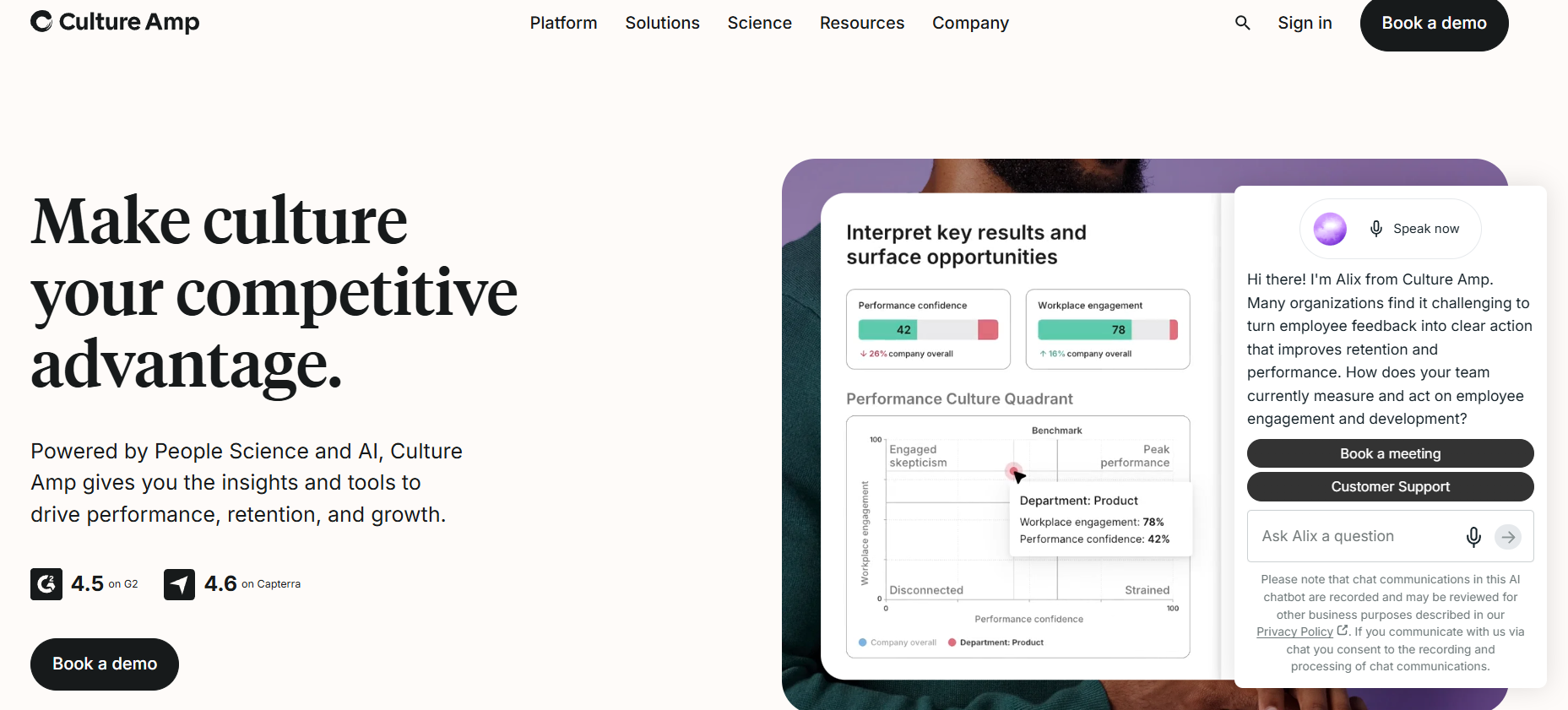
Best for: Organizations where employee engagement, manager effectiveness, performance, development, and people analytics form the center of the employee-experience program.
Culture Amp approaches employee experience from the HR and People-team side of the market.
Its current platform connects employee engagement with performance, development, manager support, and people data. Current integrations include HRIS connections, API access, Slack, Microsoft Teams, and SSO.
This makes Culture Amp relevant when the employee experience problem is closely tied to the manager-employee relationship rather than communication distribution or intranet search.
Pricing: Culture Amp says pricing depends on employee count, the product selected, and service tier, with annual billing. Support and service levels also differ according to company size and selected package.
Integrations and security: Culture Amp supports automated HRIS synchronization and API-based access. Its current technical measures state that it maintains ISO/IEC 27001 certification and a current SOC 2 Type II attestation.
Buyer fit: Culture Amp belongs on the shortlist when employee listening, manager effectiveness, performance, and development are closely connected. It is not designed to replace a full company intranet or multi-channel frontline communication platform.
Demo question:
“Take us from an engagement-survey finding to manager action. Show segmentation, confidentiality controls, analysis, manager guidance, and follow-up.”
Which Employee Experience Platform Should You Shortlist?
The strongest shortlist depends on the employee problem rather than the overall ranking.
Best for Frontline and Distributed Workforces
Start with:
- HubEngage
- Staffbase
- Workvivo
Prioritize mobile access, authentication, audience targeting, local administration, HR-data synchronization, languages, and communication channels.
Best for Intranet and Employee Hub Projects
Start with:
- Simpplr
- LumApps
- Staffbase
- Workvivo
- HubEngage
Prioritize enterprise search, knowledge governance, employee self-service, workplace integrations, content ownership, and permissions.
Best for Employee Listening
Start with:
- Qualtrics Employee Experience
- Culture Amp
- HubEngage, where employee listening also needs to sit alongside communication and broader engagement.
Prioritize confidentiality, segmentation, lifecycle listening, manager reporting, analytics, and follow-up.
Best for Broader Employee Engagement
Start with:
- HubEngage
- Workvivo
- Staffbase
Compare employee communication, communities, recognition, feedback, workforce access, and administration.
Best for Microsoft-Centered Organizations
An organization already centered on Teams and Microsoft 365 should also decide whether it needs another platform.
Microsoft Viva may remain relevant if the organization wants the employee experience to stay close to Microsoft’s existing environment.
Turn On Work has a dedicated comparison of Microsoft Viva alternatives for employee experience in 2026.
Employee Experience Platform Selection Criteria
Build the scorecard before the vendor demonstrations begin.
A practical starting model is:
| Selection criterion | Example weight |
| Fit with primary employee problem | 20% |
| Employee usability and workforce access | 15% |
| Integrations and employee data | 15% |
| Security, privacy, and governance | 15% |
| Core EXP capabilities | 10% |
| Three-year total cost | 10% |
| Administration and scalability | 5% |
| Implementation and migration | 5% |
| Support and Customer Success | 5% |
| Total | 100% |
These weights are not universal.
A manufacturer might increase workforce access.
A regulated financial organization might give security more weight.
A professional-services company replacing an intranet might prioritize search and knowledge.
The purpose of the scorecard is not mathematical precision.
Its purpose is making every vendor compete against the same requirements.
Questions to Ask Every Employee Experience Platform Vendor
What employee problem is your proposed configuration designed to solve?
Make the vendor connect its recommendation directly to your buying objective.
What will our complete three-year cost be?
Include modules, implementation, integrations, support, additional channels, professional services, and expected growth.
Which capabilities shown in the demonstration cost extra?
This is particularly important with modular products.
Show us our most important integrations.
Ask for a working scenario instead of a slide.
How are employees provisioned, updated, and removed?
This reveals employee-lifecycle administration.
How does an employee without company email access the system?
This quickly tests frontline suitability.
Show us the survey confidentiality controls.
Use a small-team example.
Show us what an administrator does during a normal week.
This exposes the ongoing internal operating cost.
What does implementation require from our teams?
Separate responsibilities for HR, IT, Internal Communications, managers, content owners, and the vendor.
What happens if we leave?
Ask about data export, content export, employee information, integrations, and deletion.
Run Scenario-Based Demonstrations
Do not allow the first vendor demonstration to be completely vendor-led.
Give every shortlisted vendor the same scenarios.
Frontline Communication Scenario
A warehouse employee without corporate email must receive and acknowledge an urgent safety announcement.
Employee Transfer Scenario
An employee changes location in the HR system and should automatically begin receiving content for the new location.
Knowledge Search Scenario
An employee needs to find the current version of a policy stored outside the employee experience platform.
Local Administration Scenario
A regional manager needs permission to communicate with local employees without gaining global publishing rights.
Confidential Feedback Scenario
Only four employees in a small team respond to a survey.
Employee Self-Service Scenario
An employee needs to find HR information and begin an IT request.
These scenarios tell you much more than a standard homepage tour.
Pilot the Platform Before a Large Rollout
Where practical, pilot the software before a large deployment.
Do not choose only the easiest employee group.
Include employees who are more difficult to serve, such as:
- frontline employees;
- shift workers;
- remote employees;
- managers;
- multilingual employees;
- employees without corporate email;
- local administrators.
Use real information.
Test real integrations.
Measure activation, task completion, communication reach, search success, survey participation where relevant, support requests, manager feedback, employee feedback, and administrator effort.
Define success before the pilot starts.
Employee Experience Platform Implementation
There is no reliable universal implementation timeline.
A focused employee app with standard SSO can be much easier to launch than a global intranet replacement.
Implementation may involve:
Technical Setup
SSO, provisioning, HRIS integration, APIs, domains, and mobile configuration.
Employee Data
Departments, managers, locations, organizational hierarchy, employee types, and audience groups.
Content
Migration, cleanup, ownership, taxonomy, translation, and archiving.
Governance
Global administrators, regional publishers, local managers, permissions, and approval structures.
Adoption
Launch communication, manager training, employee education, local champions, and support.
Post-Launch Management
Analytics, content governance, training, adoption programs, and employee feedback.
The technology can be technically ready before the organization is operationally ready.
For organizations specifically planning early employee journeys, see First 90 Days Employee Experience Framework.
When You Probably Do Not Need an Employee Experience Platform
A broad EXP is not always the best investment.
You may not need one when:
- current employee communication already works;
- the actual requirement is narrow enough for a specialist tool;
- employees already have a trusted workplace destination;
- nobody can own the new platform after launch;
- the underlying information is outdated regardless of where it is published;
- the main problems are managerial or operational rather than technological.
Sometimes improving an existing process is the better employee-experience investment.
How Should You Measure Employee Experience Platform Success?
Do not judge success by logins alone.
Metrics should connect directly to the employee problem that justified the purchase.
Communication
Measure reach, acknowledgement, interaction, channel performance, and underserved populations.
Knowledge
Measure search success, failed searches, repeated support questions, outdated information, and the effort required to find common resources.
Employee Listening
Measure participation, representation, priority themes, manager follow-up, and action completion.
Tool Consolidation
Measure products retired, duplicate workflows removed, administration effort, and employee login complexity.
Onboarding
Measure activation, resource access, key employee-journey completion, new-hire feedback, and manager feedback.
The purpose of EXP analytics is not generating more dashboards.
It is determining whether the employee problem you bought the platform to solve has become easier to manage.
Frequently Asked Questions
What is an employee experience platform?
An employee experience platform is software designed to improve how employees interact with workplace communication, information, feedback, employee services, managers, and digital tools.
Depending on the vendor, it may include internal communication, intranet, enterprise search, surveys, recognition, mobile access, self-service, integrations, and analytics.
What are the main employee experience platform features?
Common capabilities include employee communications, mobile apps, intranet, enterprise search, surveys, recognition, communities, personalization, workplace integrations, self-service, analytics, SSO, employee-data synchronization, and governance controls.
The correct mix depends on the problem your organization needs to solve.
How much does an employee experience platform cost?
Most enterprise EXP vendors use custom pricing.
Cost can depend on employee count, modules, implementation, integrations, support, workforce type, contract period, and additional communication channels.
Compare the complete three-year total cost rather than only the first annual subscription.
What is the best employee experience platform in 2026?
There is no single best platform for every organization.
HubEngage is worth evaluating for multi-channel employee communication and broader engagement.
Staffbase is particularly relevant to enterprise communication and distributed workforces.
Workvivo fits communication, employee community, and employee-hub projects.
Simpplr and LumApps deserve attention for intranet and connected-workplace requirements.
Qualtrics Employee Experience specializes in employee listening and analytics.
Culture Amp is particularly relevant for engagement, performance, employee development, and manager programs.
What is the difference between employee engagement and employee experience?
Employee engagement generally describes how informed, connected, motivated, recognized, and involved employees feel.
Employee experience is broader.
It includes communication, managers, technology, processes, workplace services, information, and other interactions employees experience throughout work.
Engagement is one part of employee experience.
Are employee experience platforms suitable for frontline workers?
Some are better suited than others.
Frontline buyers should specifically test mobile access, login without corporate email, push notifications, additional channels, language support, provisioning, and local administration.
A mobile app alone does not prove that a platform fits frontline work.
Should we replace several employee tools with one EXP?
Possibly.
A broader platform can reduce duplicate logins, integrations, administration, and reporting fragmentation.
Specialist products may provide greater depth in one area.
Before consolidating, document what your current tools do and require the proposed replacement to demonstrate the workflows you cannot afford to lose.
How do you choose an employee experience platform?
Start by identifying the employee problem.
Then document workforce groups, required capabilities, integrations, identity requirements, security requirements, budget, administration, implementation, and success measures.
Build a weighted scorecard.
Make every vendor demonstrate the same realistic employee scenarios.
Where practical, pilot the shortlisted platform before a large rollout.
Final Thoughts
Choosing an employee experience platform in 2026 is difficult because the category now contains several different types of software.
An employee app, survey platform, intranet, employee hub, and performance system can all describe themselves as employee experience platforms.
They are not interchangeable.
Start with the employee problem.
If people cannot receive important information, improve communication reach.
If they cannot find trusted information, focus on search and knowledge.
If leadership cannot understand how employees experience work, prioritize listening.
If employees constantly move between disconnected workplace applications, investigate employee hubs and deeper integrations.
If managers struggle with engagement, performance, and development, evaluate platforms designed around those relationships.
Only after the problem is clear should the organization compare features, pricing, integrations, security, implementation, and vendors.
The best employee experience platform is not the product with the longest feature list.
It is the platform that solves the employee problems your organization actually has, fits the technology and workforce you already have, satisfies your security requirements, and remains practical to operate after implementation.