Choosing an intranet in 2026 is less about finding the platform with the longest feature list and more about finding the one that fits how your employees actually work.
That means starting with requirements, not demos. It means checking security before your preferred vendor is already politically difficult to replace. It means understanding whether an “integration” is a real data connection or simply a shortcut. And it means comparing the full cost of running the platform for several years, not just the subscription number in a proposal.
A good intranet decision usually comes down to five things: employee access, content and search, security, integrations, and total cost.
Get those right and the rest of the evaluation becomes much easier.
Start With the Work Employees Need to Do
The most useful intranet requirements rarely begin with software terminology.
They begin with problems.
Maybe employees cannot find the latest policy because there are three versions sitting in different systems. Maybe frontline teams hear about company updates two days after office employees. Perhaps HR keeps answering questions that employees should be able to resolve themselves. Or your communications team is sending company-wide announcements because the current platform cannot target people accurately.
Those are better starting points than “we need personalization” or “we want AI search.”
Take a company with manufacturing sites in several states. Corporate employees may already spend most of their day in Microsoft Teams and Outlook, while plant employees have shared devices, no company email address, and only a few minutes during a shift to check updates.
The same intranet experience will not serve both groups equally well.
In that situation, mobile access, employee authentication, location-based targeting, multilingual communication, and fast access to policies may matter more than a sophisticated homepage design.
A professional services firm might arrive at a very different requirement set. Search across Microsoft 365, employee profiles, SharePoint content, directories, and knowledge management could sit much higher on the list.
The important part is that your requirements should describe what employees need to accomplish, not what vendors call their features.
Instead of asking a provider whether it supports personalization, ask it to show what happens when an employee transfers from one business unit to another. Does the person’s homepage change? Do their policies change? Are their news feeds and links updated automatically? Does that information come from the HR system, or does an administrator need to make the change manually?
That tells you much more.
If your buying process goes beyond the intranet and also includes surveys, recognition, communications, or broader employee experience software, our guide to choosing an employee engagement platform covers that wider decision.
Do Not Let the Demo Define Your Requirements
Software demonstrations are supposed to make the product look good.
That is not a criticism. It is simply how sales works.
The problem starts when the demo becomes the buyer’s requirements document.
A vendor shows a strong AI search experience, so AI suddenly becomes central to the project. Another provider shows a polished employee-recognition feed, and now recognition finds its way into the scorecard even though it was never part of the original problem.
A better approach is to give every shortlisted provider the same situations and ask them to work through them.
For example, ask a vendor to show how a new employee finds the current parental leave policy from a phone. Ask what happens when HR changes someone’s location in Workday. Ask how a warehouse manager sends an urgent update only to employees at one facility. Ask an administrator to identify which employees have not acknowledged a critical safety message.
Then watch how much effort the task takes.
You will quickly see the difference between a feature that exists and a workflow that is genuinely usable.
Security Should Narrow the Shortlist Early
Security is still treated as a late-stage procurement exercise in too many software purchases.
That creates avoidable problems.
If HR, Internal Communications, and leadership already prefer a vendor, discovering a major identity or data issue during the security review can turn a simple buying decision into an internal argument.
The initial security screen should happen much earlier.
Start with identity.
Your IT team should know how employees will authenticate, whether the intranet supports your identity provider, how multi-factor authentication works, how accounts are provisioned, and how quickly access disappears when someone leaves the company.
Deprovisioning is particularly important.
If an employee is terminated in the HR system at 10 a.m., you should know when their intranet access actually ends. “The platforms integrate” is not a sufficient answer.
Current NIST digital identity guidance is useful here, particularly for organizations strengthening authentication requirements. Your company may not follow NIST assurance levels directly, but your security team may already be moving toward stronger authentication methods.
The same caution applies to security certifications.
If a vendor says it has SOC 2, ask to see what that actually covers. The badge itself is less useful than the scope, audit period, exceptions, and services included.
You should take the same approach with ISO 27001, penetration testing, data residency, subprocessors, encryption, retention, backups, and incident response.
An intranet may contain company strategy, internal announcements, employee profiles, survey information, policies, recognition activity, uploaded files, and search history. It deserves the same level of scrutiny as other systems handling sensitive workforce information.
Accessibility Should Be Part of Procurement, Not Cleanup
Accessibility is easy to postpone because it rarely makes a sales demo look more impressive.
That does not make it optional.
Ask what accessibility standard the vendor tests against, which versions of its web and mobile experiences are included, and what limitations remain.
WCAG 2.2 is the current W3C web accessibility recommendation. Organizations affected by Section 508 should also review accessibility documentation such as an Accessibility Conformance Report or VPAT rather than relying on a broad accessibility claim.
Even if your organization is not required to follow Section 508, those documents can help your accessibility team understand where the product stands.
The important part is to validate real employee journeys.
Can someone navigate the platform using a keyboard? Can they find critical information with assistive technology? Are mobile functions as accessible as desktop functions?
Those questions belong in the buying process.
Integration Lists Can Be Misleading
Most enterprise software websites now display a familiar row of logos: Microsoft 365, Google Workspace, Workday, ServiceNow, Okta, Slack, Salesforce.
That is useful information, but it does not tell you very much about what the integration actually does.
A connection might be no more than a link.
Another might display information from the external system.
A deeper integration can synchronize employee data, permissions, department information, job titles, or locations.
A more advanced one may allow employees to perform actions without leaving the intranet.
Those are very different experiences.
Consider an HRIS integration.
If a vendor tells you it integrates with Workday, UKG, ADP, or SAP SuccessFactors, the next question should be what data moves between the systems and how often.
Can the intranet receive an employee’s location, department, manager, language, job title, worker type, or employment status? Does the change happen immediately, every few hours, once per day, or through a manual file transfer?
Two vendors can both claim the same HRIS integration while offering very different levels of automation.
That difference shows up later in administrative work.
Ask Vendors to Demonstrate the Integrations You Actually Need
A logo on a website should get a vendor onto the next question. It should not earn points on the final scorecard.
If Microsoft Entra ID, Workday, SharePoint, ServiceNow, Google Workspace, or another system matters to the project, ask the vendor to show the connection working.
HubEngage, for example, supports enterprise integrations across identity, HR systems, Microsoft environments, and workplace applications. Its employee intranet platform is especially relevant when organizations want intranet, communication, mobile access, surveys, recognition, and employee engagement capabilities to sit closer together.
That is useful for building a shortlist.
The buying question comes next.
If location changes in your HR system, will that automatically change which intranet content an employee sees? How frequently is data synchronized? Is middleware required? Is the integration included in your plan? Who maintains it after launch?
Those answers matter more than the integration logo.
Frontline Access Can Change the Entire Buying Decision
Some intranet projects are still designed around an employee sitting at a laptop with a company email address.
That assumption can remove a large part of the workforce from the evaluation.
Retail, manufacturing, healthcare, hospitality, logistics, construction, and field-service organizations often have employees who work very differently.
Some use personal phones. Some use shared devices. Some do not have company email. Others may only have a short period during a shift when checking company information is practical.
If a meaningful share of your workforce fits that description, the mobile employee experience deserves the same level of attention as desktop.
Ask a frontline employee to sign in during the pilot.
Then see whether they can find a schedule, read an announcement, locate a benefits document, search for a policy, or complete a form without help.
The result can expose problems that never appear in a conference-room demo.
This is also one reason for the answer to “Should we use SharePoint?” is different for different organizations.
SharePoint remains a serious intranet option for companies already centered on Microsoft 365, especially where employees routinely work in Teams, SharePoint, and Microsoft identity services.
It can make sense for a heavily Microsoft-based workplace.
It may be less straightforward when thousands of frontline employees do not have the same accounts, devices, or working habits.
Search Deserves More Attention Than Homepage Design
One of the most telling questions in an intranet evaluation is simple:
Can employees find the correct answer?
A beautiful homepage loses value quickly if employees still have to ask HR where the parental leave policy lives.
Modern intranet search may need to work across native pages, SharePoint libraries, Google Drive, HR information, knowledge bases, and people directories.
That raises several questions.
Does search respect the permissions in the source system? How quickly does updated content appear? Does the platform clearly identify where information came from? What happens when two documents give different answers?
These questions have become more important as vendors add conversational and AI-powered search.
Employees are increasingly able to ask a question rather than browse through folders and navigation menus. Our article on the post-intranet workplace looks at that shift in more detail.
The better experience is useful, but it raises the stakes.
If the system gives employees a direct answer, that answer needs to be based on the correct sources.
Treat AI as a Security and Information-Governance Question Too
AI is now part of the intranet conversation whether buyers ask for it or not.
Most serious vendors have added some form of AI search, writing assistance, content recommendations, translation, or employee chatbot.
The existence of those capabilities should not carry much weight on its own.
The useful questions are about what sits behind them.
Which company information can the AI access? Does it honor existing document permissions? Are employee prompts or company documents used to train shared models? Which third parties process the requests? Can administrators control which data sources are available?
Source attribution matters too.
If an employee asks, “How many weeks of parental leave do I get?” the platform should make it easy to see where the answer came from.
That is especially important for policies, safety information, benefits, and HR procedures.
AI can reduce the time employees spend searching. It can also make outdated information sound very confident if content governance is weak.
The software cannot solve that problem by itself.
Do Not Ignore the Administrator Experience
Intranet evaluations naturally focus on employees.
They should also focus on the people who have to keep the platform running.
A system may feel simple to employees while creating a surprising amount of work for HR, Internal Communications, or IT.
Ask the people who will administer the platform to use it during the evaluation.
Have them publish a company update, target one location, change a navigation item, update a homepage, review analytics, and remove someone’s publishing privileges.
Notice where they need vendor support or technical help.
This has a direct effect on long-term cost.
If ordinary publishing tasks regularly require IT, the platform has not removed work. It has moved the work to another team.
Content Governance Still Determines Whether the Intranet Stays Useful
A new intranet often improves employee experience immediately because everything has just been cleaned up.
The harder test comes 18 months later.
Who owns the policy page that has not been reviewed since launch?
Who removes the old benefits document?
Who decides whether a regional page should still appear in search?
A platform can support good governance through permissions, version history, review workflows, delegated administration, archival tools, and content analytics.
It cannot decide who is responsible.
That work still belongs to the organization.
For important content, someone should own the information, know when it needs to be reviewed, and understand where the authoritative source lives.
Without that discipline, even strong search and AI will eventually start surfacing weak content.
Calculate the Cost Over Three Years
Intranet pricing is often difficult to compare because the quote can depend on employee count, modules, implementation, integrations, support, and communication channels.
A useful comparison therefore needs to go beyond the software subscription.
Look at three years.
Include implementation, migration, integrations, support, training, additional channels, internal administration, employee growth, and any AI or usage-based costs that apply.
Then ask each vendor what is excluded.
This is where apparently similar quotes can separate.
Simpplr uses tailored pricing rather than a simple public per-user rate, and some capabilities may be packaged separately.
Staffbase also uses tailored pricing, with packages that can vary according to workforce structure and selected functionality.
HubEngage bases pricing on factors such as employee count and selected capabilities, so organizations should confirm the exact configuration included in a proposal.
Workvivo also uses a sales-led pricing process rather than publishing a simple universal per-user number.
That approach is common in this market.
The safest comparison is to give every vendor the same assumptions. Use your current headcount, include a realistic growth case, identify every module you need, specify the integrations, and ask for implementation and support costs.
Do not compare one provider’s base package against another provider’s fully configured proposal.
Which Intranet Platforms Are Worth Considering in 2026?
The right shortlist depends heavily on your workforce and existing technology.
Still, several platforms appear repeatedly in enterprise intranet evaluations for good reasons.
HubEngage
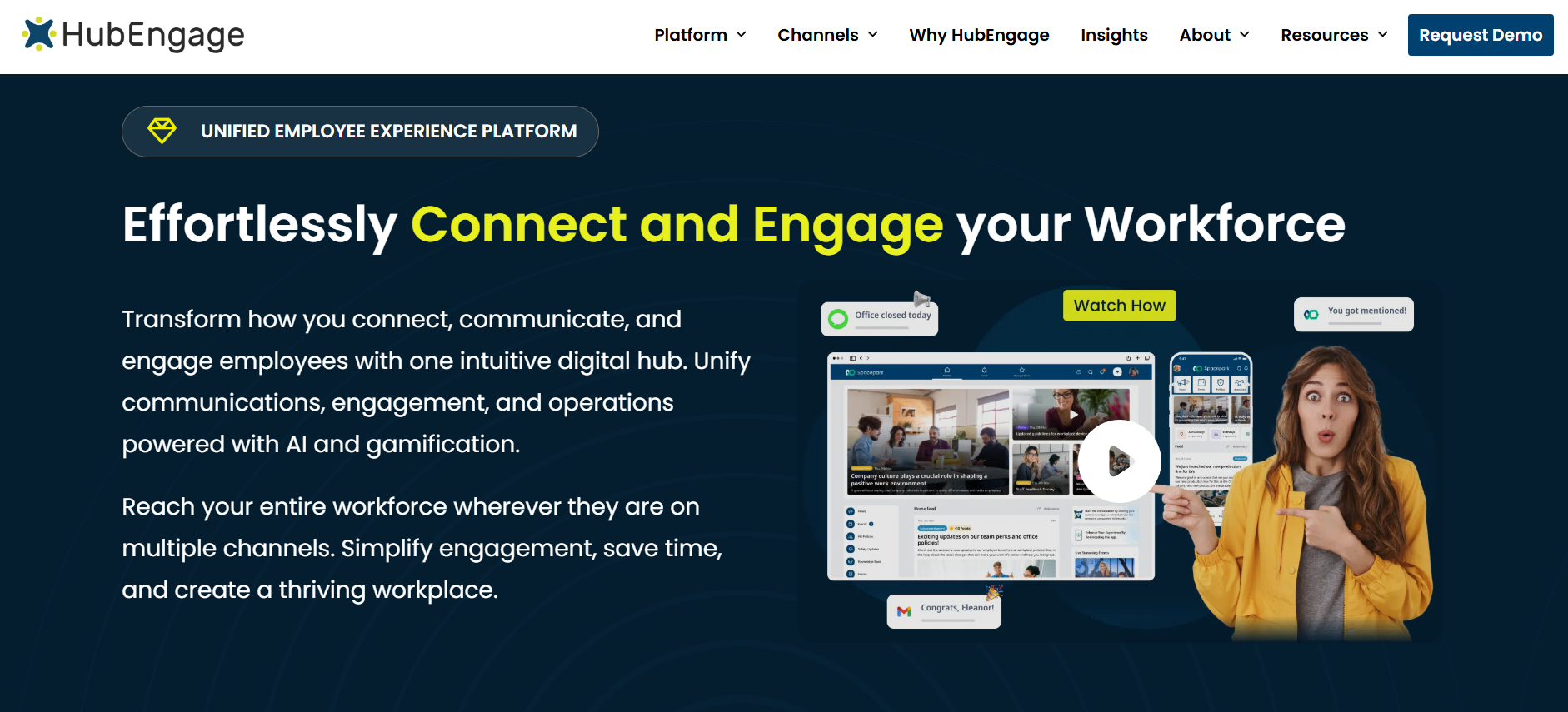
HubEngage is particularly relevant when the intranet is expected to do more than publish pages.
Its platform brings employee communication, intranet functions, mobile access, surveys, recognition, messaging, and engagement capabilities into one broader offering.
That makes it useful to organizations that want to reach office and frontline employees while reducing the number of separate tools used for communication and engagement.
Its strength is breadth.
That also means buyers should pay close attention to packaging. If you need the intranet, surveys, recognition, SMS, digital displays, and specific integrations, make sure all of those appear in the commercial proposal rather than assuming the full platform sits inside one price.
Simpplr
Simpplr is a strong candidate when the main project is a modern enterprise intranet and employee experience platform.
It puts significant emphasis on personalization, content, search, workplace services, and employee information discovery.
Simpplr also supports connections with major workplace systems and identity tools, which makes it relevant for organizations that want a dedicated intranet layer across an existing technology stack.
The main point to check during procurement is packaging.
Some advanced capabilities can be sold separately, so buyers should price the actual configuration employees will use rather than comparing entry-level proposals.
Staffbase
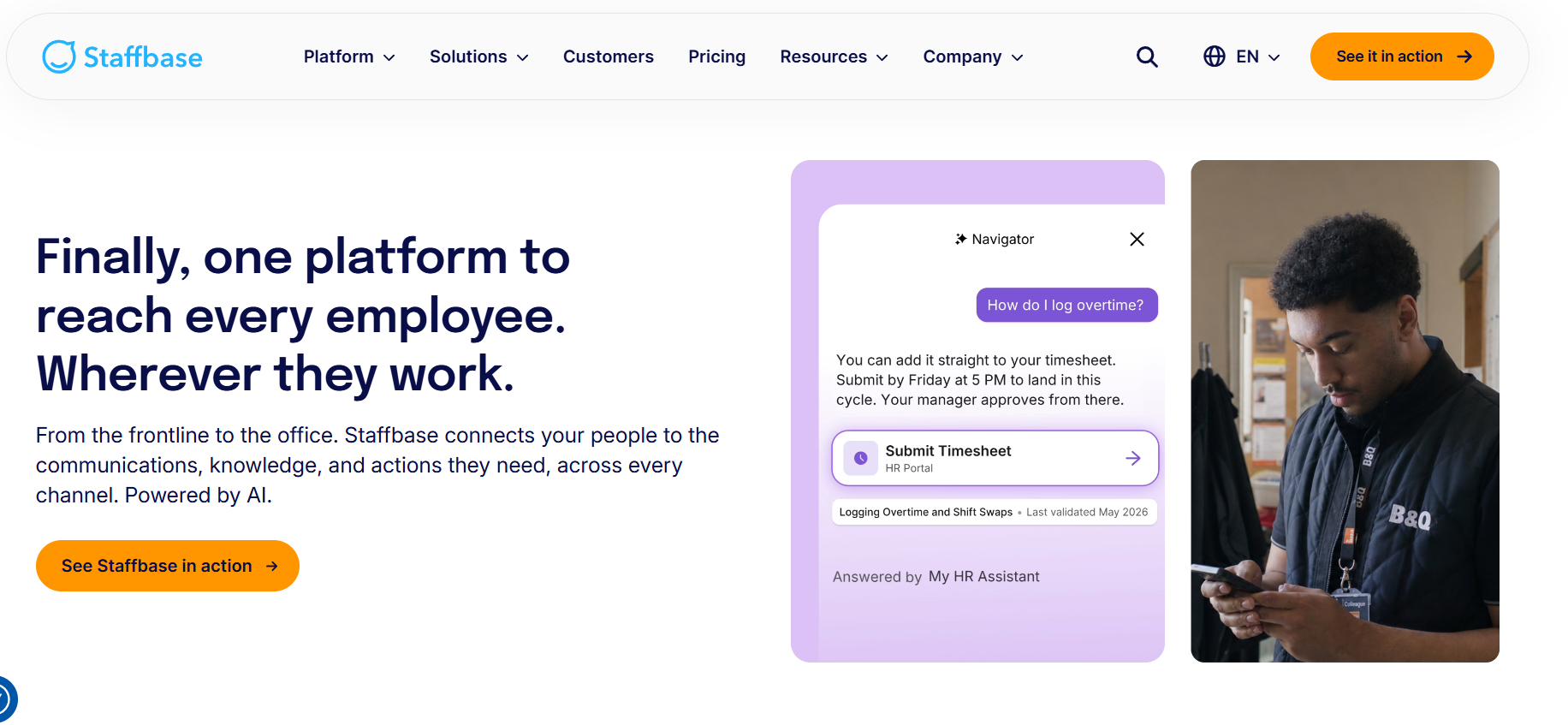
Staffbase is particularly relevant when an intranet project sits inside a larger internal communications program.
The platform spans employee app, intranet, and communication use cases, making it suitable for organizations trying to coordinate communication across corporate and distributed workforces.
It also provides enterprise identity and user-management options that can support larger organizations.
Its pricing is tailored, and some functions may be packaged separately.
That means the evaluation should focus on the exact mix of intranet, communications, frontline, and additional capabilities your organization needs.
LumApps
LumApps is worth considering for large organizations that want to connect employee communication, knowledge, search, and workplace applications.
Its current positioning puts substantial emphasis on connecting enterprise content and employee services, particularly for organizations using Microsoft 365 or Google Workspace.
Its combination with Beekeeper has also strengthened its position for organizations with significant frontline populations.
If that combined proposition is central to your evaluation, ask what is fully integrated today and what still operates across separate product experiences.
Workvivo
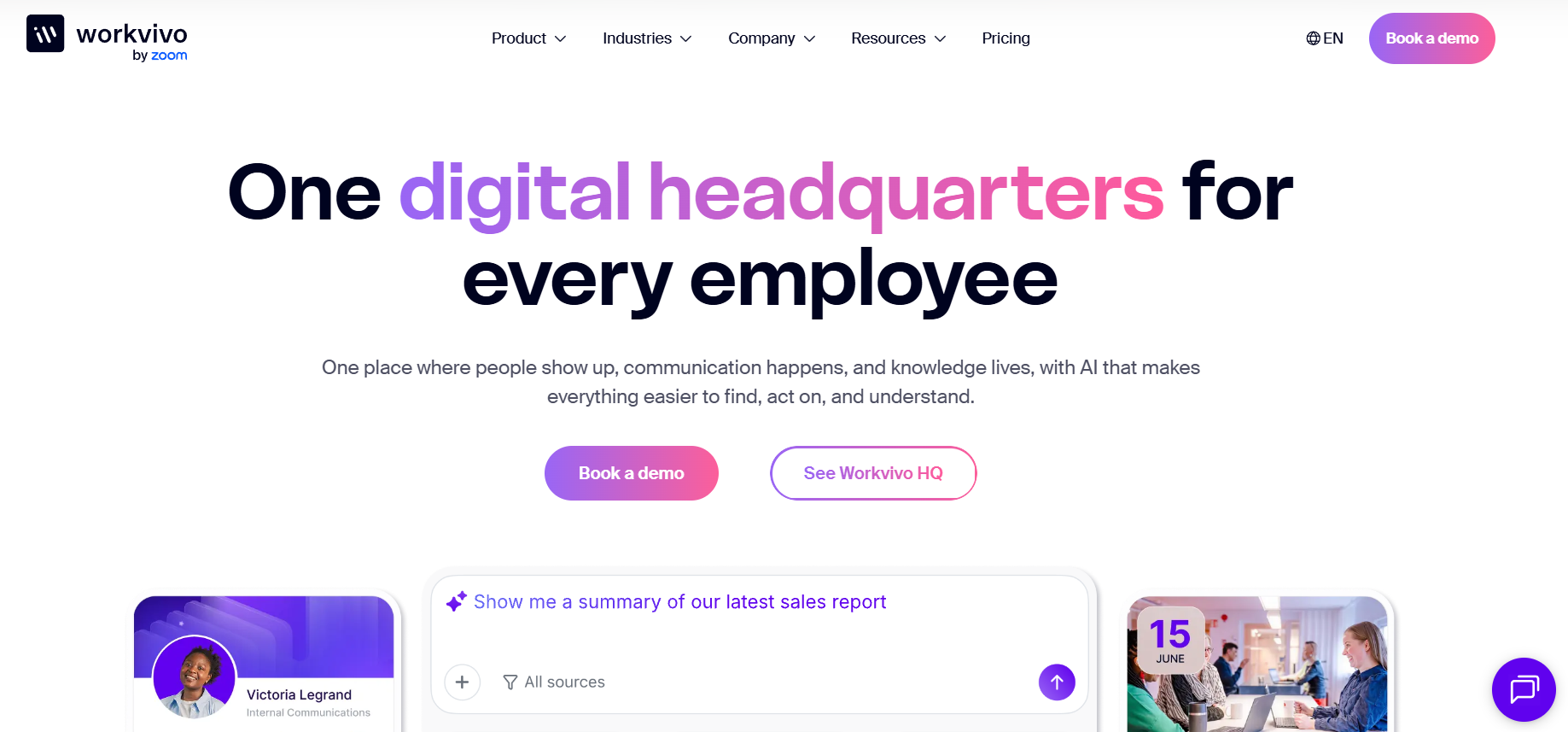
Workvivo is a natural candidate for organizations that want a communication-led, social intranet.
Its product combines content, employee communication, communities, knowledge, mobile access, analytics, and workplace integrations.
It can make particular sense when participation, communication, and culture are central to the project rather than treating the intranet mainly as a document repository.
SharePoint
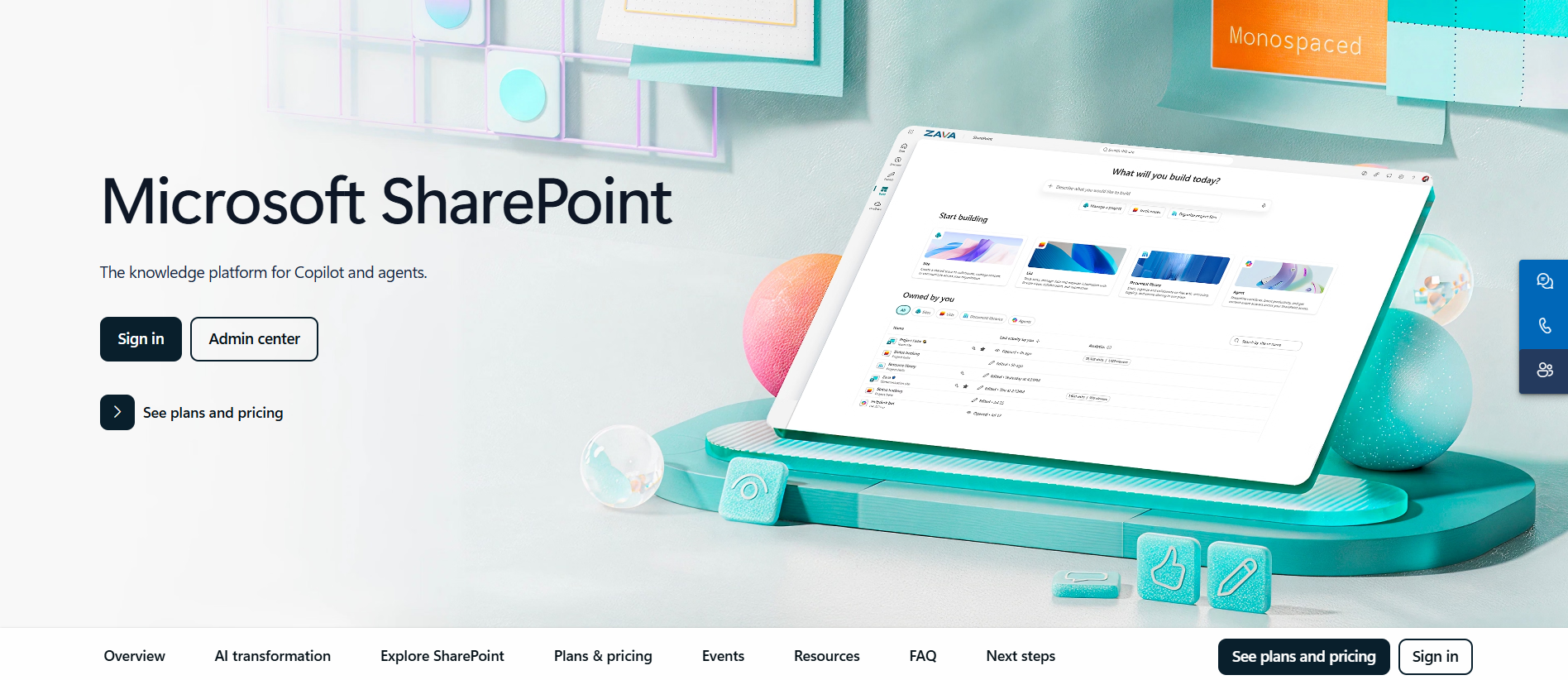
SharePoint remains difficult to ignore when Microsoft 365 is already the foundation of work.
It already sits close to documents, identity, Microsoft Teams, permissions, and search.
For some organizations, that makes it the most rational starting point.
The trade-off is that the final employee experience may require more design, governance, configuration, specialist administration, or third-party tooling than buyers initially expect.
This is why comparing SharePoint’s apparent license cost against a dedicated intranet subscription can be misleading.
The better comparison is the complete cost of producing and maintaining the experience you actually want.
Build the Final Score Around Your Business
Once you have three serious candidates, a weighted scorecard can keep the final discussion disciplined.
The exact weighting should reflect your workforce.
A company with a large frontline population might give employee access and mobile usability more weight. A financial-services organization could place security and governance much higher. A company replacing a complicated SharePoint deployment may care more about administration, migration, and search.
For a fairly typical organization, employee requirements, security, integrations, usability, and cost should account for most of the score.
What matters is consistency.
Every vendor should be evaluated against the same requirements and the same evidence.
A promised feature on a product roadmap should not receive the same score as something that works today.
A Good Pilot Should Include the Hardest Employees to Serve
Pilots often create overly positive results because the participants are already comfortable with workplace technology.
That is the wrong group to test first.
Include people who are more difficult to reach.
For a retailer, that could be store associates.
For a hospital, it could be clinical staff who spend little time at a desk.
For manufacturing, it could be employees on a night shift using shared devices.
Watch whether they can sign in without help. See how quickly they find information. Ask them to locate a policy rather than asking whether they “like the app.”
A few observed tasks can tell you more than a long satisfaction survey.
The Best Intranet Is the One That Creates the Fewest Important Compromises
There is no useful universal answer to the question, “What is the best intranet?”
There is a much better answer to, “What is the best intranet for this workforce, technology stack, security model, and operating structure?”
HubEngage is a strong place to start when communication, frontline reach, employee engagement, surveys, recognition, and intranet functions need to sit closer together.
Simpplr deserves attention when the priority is a dedicated modern intranet and employee experience. Staffbase is well suited to communication-heavy enterprise environments. LumApps can make sense for large organizations connecting knowledge and workplace systems, particularly as its frontline capabilities expand. Workvivo works well for communication-led and social intranets. SharePoint remains a serious option where Microsoft 365 already shapes the digital workplace.
The final decision should still come back to your requirements.
Make vendors show the employee workflows that matter.
Make IT validate identity and security early.
Make integration claims specific.
Test the platform with employees who are hardest to reach.
Then compare the full three-year cost.
That process will usually tell you far more than another feature-comparison spreadsheet.
Frequently Asked Questions
How do you choose the right intranet platform?
Start with the employee problems you are trying to solve and turn them into specific requirements. Then evaluate security, integrations, mobile access, search, administration, and total cost. Ask shortlisted vendors to demonstrate the same real employee workflows rather than relying on standard demos.
What should an intranet include in 2026?
Most organizations will need strong search, targeted communication, mobile access, employee profiles, document and knowledge access, SSO, HRIS synchronization, permissions, analytics, and connections to core workplace systems. AI-powered search is increasingly common, but it should be evaluated alongside permissions, source attribution, and data handling.
Should you use SharePoint or a dedicated intranet platform?
SharePoint can make sense when Microsoft 365 already sits at the center of work and your workforce primarily uses Microsoft accounts and tools. Dedicated intranet platforms can be stronger when you need simpler administration, stronger frontline access, packaged communications, mobile experiences, or employee engagement functions.
How should you compare intranet pricing?
Compare the complete three-year cost. Include subscriptions, required modules, implementation, integrations, migration, support, employee growth, additional communication channels, AI fees where applicable, training, and internal administration.
What is the biggest mistake organizations make when choosing an intranet?
Starting with vendor demos before defining what employees and administrators actually need. Once the evaluation is shaped by whatever vendors choose to show, it becomes much harder to make a disciplined comparison.