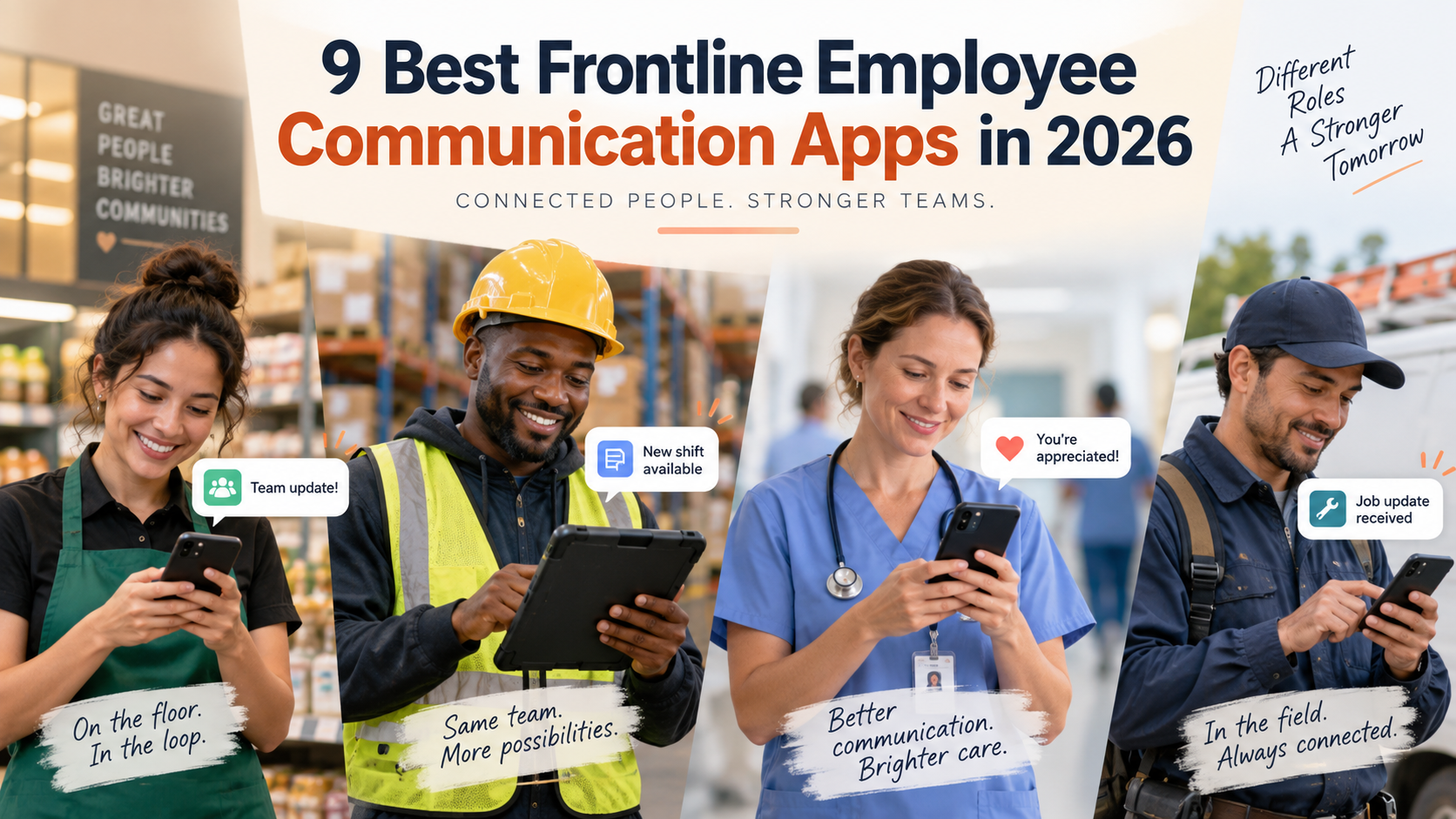
The nine best frontline employee communication apps in 2026 are HubEngage, Blink, Staffbase, Beekeeper by LumApps, Connecteam, Workvivo, Firstup, WorkJam, and YOOBIC. HubEngage stands out for multichannel communication plus engagement, Blink for mobile-first deskless communication, Staffbase and Firstup for enterprise communications, Connecteam and WorkJam for communication tied to workforce operations, Workvivo for employee community across mixed workforces, Beekeeper for frontline workflows, and YOOBIC for retail operations.
The right shortlist depends on how employees access technology, which channels you need, how precisely you must target messages, whether operational tools belong in the same app, and what your budget can support.
Frontline employee communication apps compared
Pricing was checked on September 8, 2026. Public prices can change, and final costs may vary with employee count, modules, implementation services, contract term, add-ons, or business locations.
| Platform | Best for | Frontline/mobile communication capabilities | Key communication channels | Broader workforce or engagement capabilities | Pricing approach | Best workforce fit |
| HubEngage | Communication plus employee engagement and broad multichannel reach | Mobile app, push notifications, targeting, read acknowledgements, multilingual communication, surveys and messaging | App, web, email, SMS, Teams, Slack, WhatsApp, digital signage | Recognition, surveys, social features, knowledge, analytics, rewards | Custom quote based on employee count and requirements | Distributed frontline and mixed workforces that need several communication channels |
| Blink | Mobile-first deskless communication with simple onboarding | Native mobile apps, personalized feed, chat, push, offline access, no-email activation, polls and knowledge hub | App, desktop, feed, 1:1/group chat, email and SMS integrations | Recognition, forms, surveys, knowledge, integrations and some shift tools | Core $3.75/user/month annually; Pro $5/user/month annually; Enterprise custom | Frontline-heavy SMBs through enterprises |
| Staffbase | Large-enterprise internal communications across frontline and office populations | Branded mobile app, no-email registration, push alerts, targeting, translation and frontline tasks | App, intranet, email, digital signage and SMS | Knowledge, communities, enterprise governance, integrations and analytics | Custom; dedicated frontline and mixed-workforce pricing | Large, complex or multinational organizations |
| Beekeeper by LumApps | Mobile-first frontline communication tied to workflows | Secure mobile access without corporate email, targeted updates by role, shift or location | Mobile-first frontline app and communication streams | Tasks, forms, workflows, learning and HR/IT integrations | Contact vendor; current customers retain existing contract and pricing during transition | Frontline-heavy mid-size and enterprise organizations |
| Connecteam | Communication plus scheduling, time, tasks and HR for smaller frontline businesses | Mobile chat, company feed, surveys, read confirmation on Expert, translation and phone-number login | Mobile app, chat, updates/feed | Scheduling, time clock, forms, tasks, courses, recognition and HR tools | Communications Hub starts at $29/month annually for first 30 users | Small and mid-size shift, field and service workforces |
| Workvivo by Zoom | Employee community and digital workplace for mixed frontline/office teams | Mobile-first access, feeds, push, translation, chat options and engagement analytics | Mobile, web, push, chat; digital signage available as an add-on | Intranet, recognition, knowledge, employee listening and AI options | Custom quote based on licenses and requirements | Mid-size and enterprise mixed workforces |
| Firstup | Enterprise multichannel communications, targeting and measurement | Personalized mobile feeds, push, offline access, retargeting and attribute-based segmentation | Mobile app, web/desktop, email and other enterprise endpoints | Employee journeys, analytics, content orchestration, integrations and search | Essential and Professional plans; contact sales for pricing | Large distributed enterprises with complex audience structures |
| WorkJam | Frontline communication plus workforce orchestration | Mobile/web access, targeted messaging, read receipts, mandatory messages and shift-aware communication | App/web, targeted broadcasts, chat, live communication channels | Scheduling, staffing, tasks, audits, forms, learning and recognition | Essential $799/month annually for up to 500 users; Operations Elite starts at $1,599/month | Larger hourly and shift-based workforces |
| YOOBIC | Retail, QSR and multi-location store communication tied to execution | Mobile-first newsfeed, read receipts, targeted messages, chat, translation, surveys and knowledge search | Mobile newsfeed, 1:1/group chat and communities | Task management, store execution, learning and AI tools | Custom; based on locations or users and selected modules | Retail and closely related multi-site service organizations |
What is a frontline employee communication app?
A frontline employee communication app is software designed to get workplace information to employees who may not sit at a desk, use a corporate laptop, or regularly check company email.
That includes store associates, nurses and support staff, warehouse teams, production workers, restaurant crews, hotel employees, drivers, technicians, construction workers, and other mobile or shift-based employees.
A strong mobile employee communication app usually does more than publish company news. It can send push notifications, target specific shifts or locations, confirm whether critical messages were read, provide chat or feedback channels, translate content, and give workers access to policies or other job information.
That access model is critical. A polished desktop intranet does little for a warehouse employee who gets five minutes at a shared terminal. Likewise, a company feed may have low adoption if every hourly employee must first obtain a corporate email account or navigate an unfamiliar identity system.
A broader guide to employee communication tools covers how different channels fit into an internal communication strategy. This guide to frontline employee engagement across distributed teams also examines the operating conditions that make frontline communication different from office communication.
Communication apps, intranets and workforce-management platforms are different
The nine products in this comparison are not interchangeable.
Communication-first platforms put message reach, targeting, employee feedback and communication measurement near the center of the product. HubEngage, Blink, Staffbase and Firstup fit this group most closely, although each has expanded into adjacent functions.
Employee experience and community platforms place more emphasis on culture, social participation, recognition, knowledge and a shared digital workplace. Workvivo is particularly relevant here.
Frontline operations platforms connect communication with work execution. Connecteam, WorkJam and YOOBIC can extend into scheduling, tasks, forms, training or store operations. Beekeeper by LumApps also combines frontline communication with operational workflows.
An employee intranet is usually stronger at persistent company content, navigation and knowledge publishing. Modern platforms such as Staffbase and Workvivo blur the boundary because their intranet experiences also extend to mobile workers.
Frontline workforce-management software serves another purpose. Scheduling, timekeeping, labor planning, shift swaps and operational task completion may sit at its core. Communication is one part of the workflow rather than the entire product.
Your primary problem should determine which category you start with.
1. HubEngage: Best for multichannel communication plus employee engagement
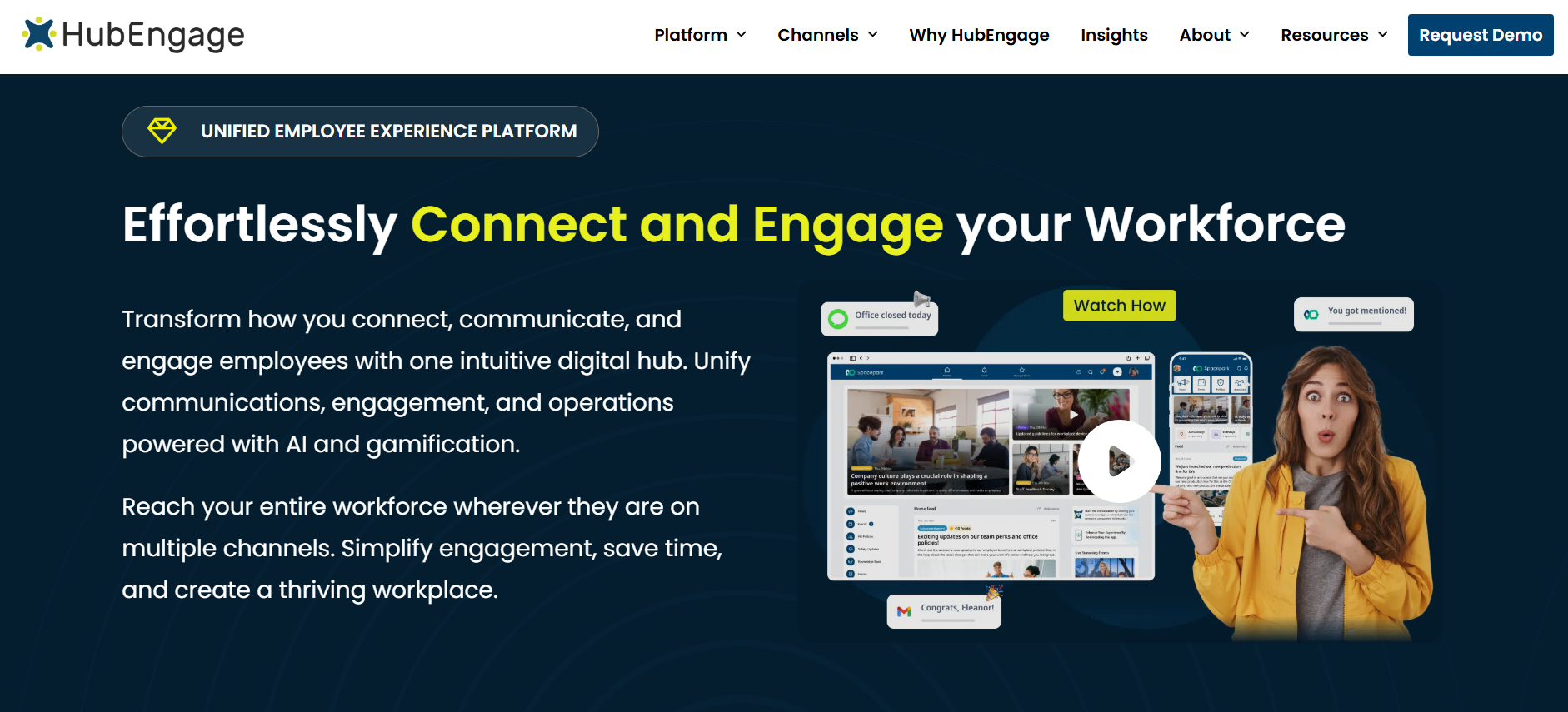
HubEngage is a strong shortlist candidate when you need to reach frontline employees through more than a single mobile app. Its employee communications platform can distribute content across mobile apps, web, email, SMS, Microsoft Teams, Slack, WhatsApp and digital signage. Administrators can segment employees using attributes such as location, department and cost center, while push notifications, read acknowledgements and analytics help communication teams track delivery and response.
The broader platform adds surveys and polls, employee messaging, recognition, social participation, documents and knowledge, rewards, multilingual communication and search. HubEngage also lists integrations with HRIS, payroll, SharePoint and Teams environments.
That mix makes HubEngage useful for organizations where frontline employee engagement and internal communications are closely linked. A hospitality company, for example, might use mobile push for daily updates, SMS for harder-to-reach groups, recognition for service wins, and surveys to gather feedback from different properties.
Access consideration: HubEngage advertises multiple login options and mobile onboarding, but buyers with large populations that have no corporate identity should ask for a live demonstration of their proposed no-email enrollment process.
Pricing: HubEngage does not publish a standard per-user dollar price. It offers monthly, annual and multi-year contracts, with proposals based on employee count and requirements. SMS has its own usage-based pricing structure.
HubEngage is less compelling if your central requirement is sophisticated labor scheduling or store task execution. Connecteam, WorkJam or YOOBIC may fit that problem better.
For additional practical guidance, HubEngage publishes a current frontline employee communication guide covering mobile access, two-way communication, multilingual content and measurement.
2. Blink: Best for mobile-first deskless communication with transparent pricing
Blink has one of the clearest frontline access models in this comparison. Employees can activate the app without a corporate email address through passwordless authentication and SMS, email or QR-code invitations with one-time verification. Blink also supports mobile and desktop apps, offline access, a personalized feed, direct and group chat, communities, polls, knowledge pages and employee-generated content.
Communication teams can segment by attributes such as site, shift, role or language. Pro adds multilingual publishing and real-time translation, while Enterprise expands administration, integrations, security controls, surveys and search. Blink’s pricing page also lists email and SMS integrations rather than positioning SMS as the main employee experience.
Blink fits retailers, healthcare providers, restaurants, transport businesses and field organizations where workers primarily carry personal phones and need fast access to company news, chat and resources.
Its pricing transparency also makes early budgeting easier than with most enterprise competitors. Core costs $3.75 per user per month when billed annually, and Pro costs $5 per user per month annually. Enterprise pricing is custom.
Blink has expanded into forms, integrations, recognition and some shift-related capabilities, but it remains a better fit for buyers whose main objective is communication and employee access than for companies seeking a full workforce-management system.
If your organization needs deeply governed enterprise publishing across intranet, email, mobile and digital signage, Staffbase or Firstup deserves comparison alongside it.
3. Staffbase: Best for large-enterprise frontline and internal communications
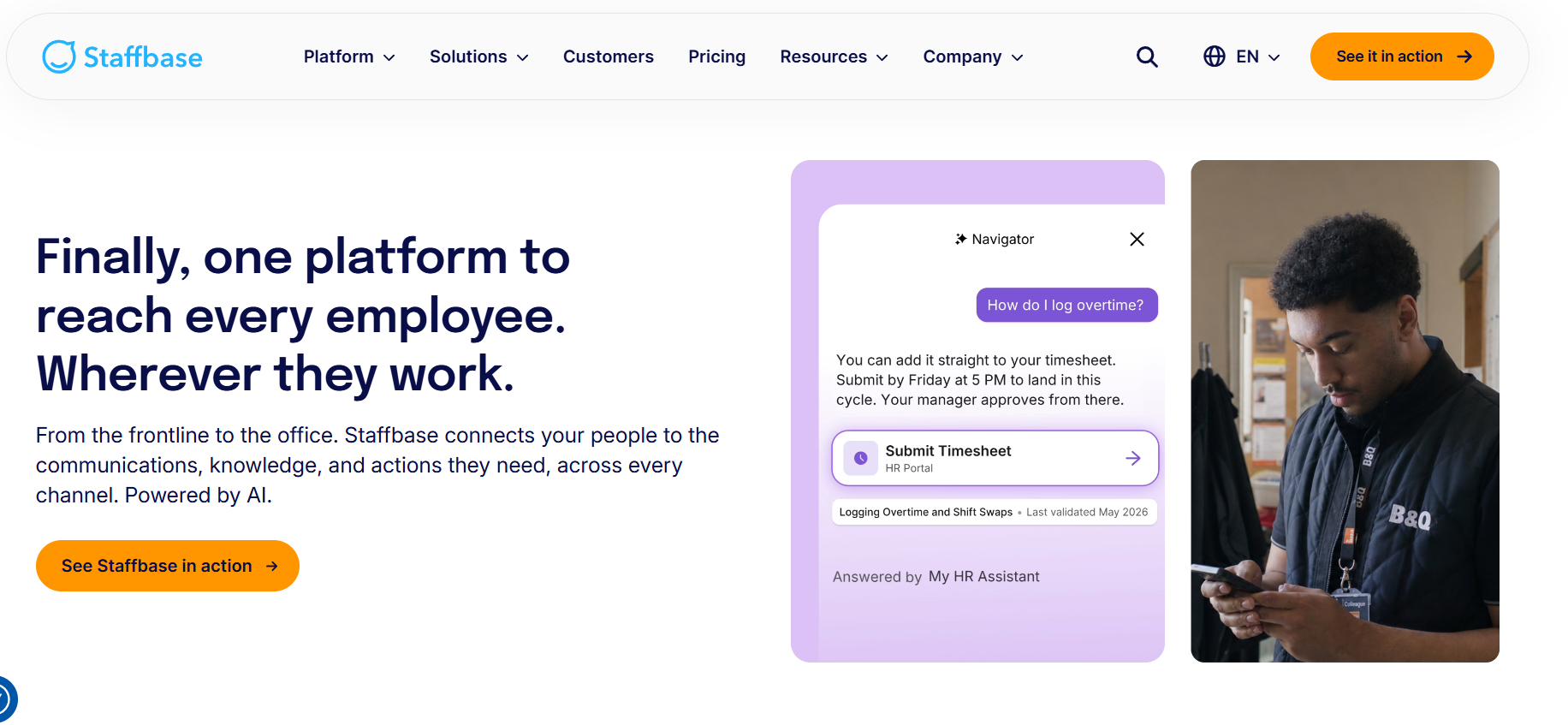
Staffbase is built for organizations that need a formal internal communications system across both office and frontline populations.
Frontline users can access Staffbase without a corporate email address. Its current product documentation describes email-free registration and access-code onboarding, while the frontline offering includes a branded mobile experience, push notifications, built-in translation, targeted information and operational tasks.
Staffbase extends beyond the employee app into intranet, email and digital-signage use cases. Its current pricing page also describes frontline-specific pricing, flexible pricing for mixed desk/frontline populations and separately scoped enterprise configurations.
This makes Staffbase a strong fit for a large manufacturer, national retailer, healthcare network or logistics organization that needs central governance while allowing local teams or business units to publish relevant information.
The trade-off is scope. A large enterprise communications platform may require more planning, governance design and implementation work than a self-service product aimed at a 50-person field team. Staffbase itself currently describes a typical branded launch as around 90 days, depending on configuration.
Pricing: Staffbase does not publish dollar amounts. Buyers request a tailored quote. The vendor explicitly separates frontline, mixed-workforce and complex enterprise pricing models.
Staffbase should be high on the list when internal communications is the primary discipline and the organization expects to span several channels. If scheduling, timekeeping and task execution are the actual priority, WorkJam or Connecteam may be a more natural starting point.
4. Beekeeper by LumApps: Best for frontline communication tied to daily workflows
Beekeeper requires special explanation in 2026. The product is now part of LumApps following the companies’ 2025 combination. LumApps says the existing Beekeeper experience, login, support and current contracts remain intact while a unified product experience rolls out in phases over 12 to 18 months.
The frontline product remains mobile-first and is designed for workers without corporate email. Current LumApps material describes targeted updates based on role, shift or location, secure mobile login, digital forms, incident reporting, tasks, shift-related workflows, mobile learning and integrations with systems including Workday, ServiceNow, SAP SuccessFactors and UKG.
That gives Beekeeper a different profile from a pure communication tool. It works well when a frontline app needs to become a practical daily work destination, particularly in manufacturing, hospitality, retail or field environments.
The biggest buying issue is the product transition itself. New customers should ask exactly which capabilities are available in Beekeeper today, which come from the wider LumApps platform, how licensing will change as the combined product matures, and whether their desired architecture depends on roadmap items.
Pricing: No reliable public numeric pricing was available in the current first-party material reviewed. Contact LumApps for a quote. LumApps says existing Beekeeper customers keep their current contract and pricing in the immediate future.
Buyers primarily seeking large-enterprise corporate publishing may prefer Staffbase or Firstup. Those focused on frontline operational workflows should compare Beekeeper directly with WorkJam, Connecteam and YOOBIC.
5. Connecteam: Best for smaller frontline businesses that need communication and operations
Connecteam is one of the most practical options for small and mid-size businesses that want employee communication software and frontline operations in the same app.
Its Communications Hub includes chat, updates, a company feed, directory, surveys, events, knowledge and help-desk capabilities. Basic provides personal and group chats and engagement tracking. Advanced adds functions such as scheduled chat messages, live polls, anonymous surveys and Smart Groups. Expert adds pop-up updates with read confirmation, scheduled feed posts, translation, API access and webhooks.
Employees can log in with a mobile number or email, which makes the app practical for workers without a corporate email account.
Connecteam becomes particularly interesting when you add its other hubs. The Operations Hub covers time clocks, scheduling, forms and tasks. The HR & Skills Hub adds courses, documents, recognition, rewards and onboarding.
For a 75-person field-service company, restaurant group or local construction business, that breadth can reduce the number of separate frontline tools employees need to open.
Pricing: When billed annually, the Communications Hub costs $29 per month for Basic, $49 for Advanced and $99 for Expert for the first 30 users. Additional-user charges vary by tier. Enterprise pricing is customized. Connecteam also offers limited/free options for very small teams.
The modular model has a trade-off: buying Communications, Operations and HR capabilities together costs more than the Communications Hub alone. Large multinational enterprises with complex publishing governance may also find Staffbase, Firstup or WorkJam better aligned to their needs.
6. Workvivo by Zoom: Best for employee community across mixed frontline and office workforces
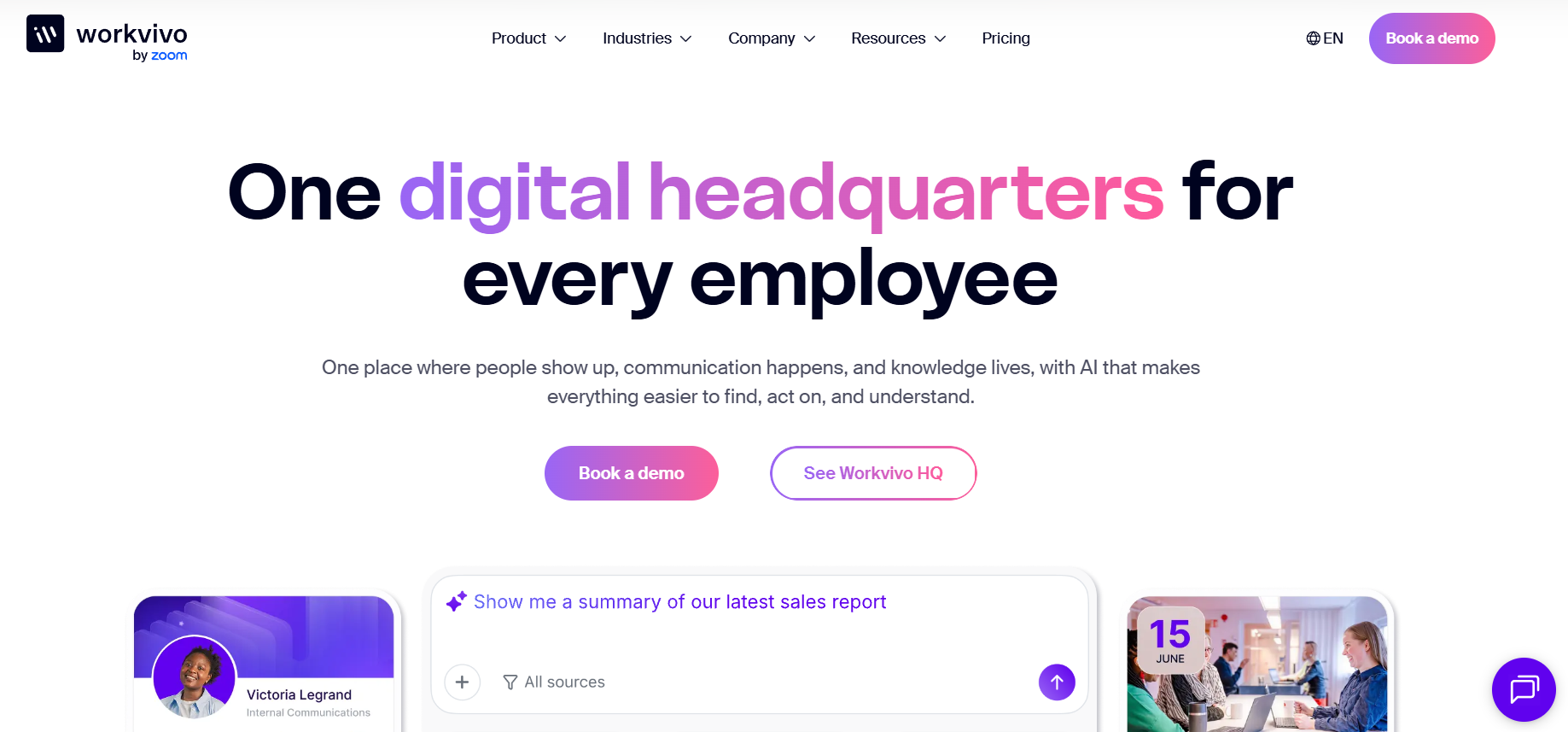
Workvivo by Zoom sits closer to an employee community and digital workplace than a dedicated frontline operations system.
Workvivo HQ brings communication, knowledge, engagement and platform controls together. Its current pricing page describes mobile and desktop access, while the wider product includes content publishing, employee engagement, knowledge, recognition and analytics. Real-time chat, digital signage, deeper analytics and advanced AI capabilities may be packaged as add-ons.
The platform can accommodate workers outside the corporate identity directory. Workvivo’s July 2026 authentication documentation says mixed organizations can use SSO for office employees while frontline workers or contractors sign in using a personal email address and password.
That distinction matters. Workvivo can support employees who lack a company email, but some deployments still require an email-based identity. If seasonal, contingent or high-turnover staff cannot use personal email for workplace accounts, ask the vendor to map the enrollment process before committing.
Workvivo is a strong candidate when a company wants one community for headquarters employees, remote staff and frontline teams. Recognition, social interaction and organizational culture are more central to its value than labor scheduling or detailed task execution.
Pricing: Workvivo does not publish numeric pricing. Workvivo HQ is quoted according to license count and organizational requirements, with additional capabilities available separately.
For a workforce where shifts, task completion or store execution drive the buying decision, Connecteam, WorkJam or YOOBIC will usually deserve greater attention.
7. Firstup: Best for large-enterprise targeting and multichannel communication
Firstup is designed for organizations where internal communication has become a distribution and measurement problem at enterprise scale.
Its platform can segment employees using more than 80 attributes, personalize feeds, send push notifications, provide offline mobile access and automatically retarget employees who missed a message.
The Essential package covers audience creation, content creation and publishing to email, mobile app and desktop, plus automatic retargeting for employees who have not engaged or completed a required action. Professional adds more advanced intelligent delivery and content capabilities.
This is valuable for a national healthcare provider, manufacturer or other complex enterprise where a communication team must differentiate messages by facility, business unit, role, geography or another employee attribute and then measure what happened.
Firstup’s strength is communication orchestration rather than shift scheduling. If a plant operator misses a safety update, for example, automatic retargeting and segmented delivery are directly relevant. Building employee schedules is a separate problem.
No-email consideration: Firstup clearly positions its mobile employee app for hard-to-reach and frontline populations, but the public product pages reviewed did not document a universal no-email authentication method as clearly as Blink, Staffbase or Connecteam. Buyers with no-email populations should ask Firstup to demonstrate enrollment and account recovery for those employees.
Pricing: Firstup publishes plan structure but not dollar amounts. Essential and Professional are listed publicly, with sales contact required for pricing.
For smaller companies with simpler communication requirements, Blink or Connecteam may be easier to budget and administer.
8. WorkJam: Best for enterprise frontline communication plus workforce orchestration
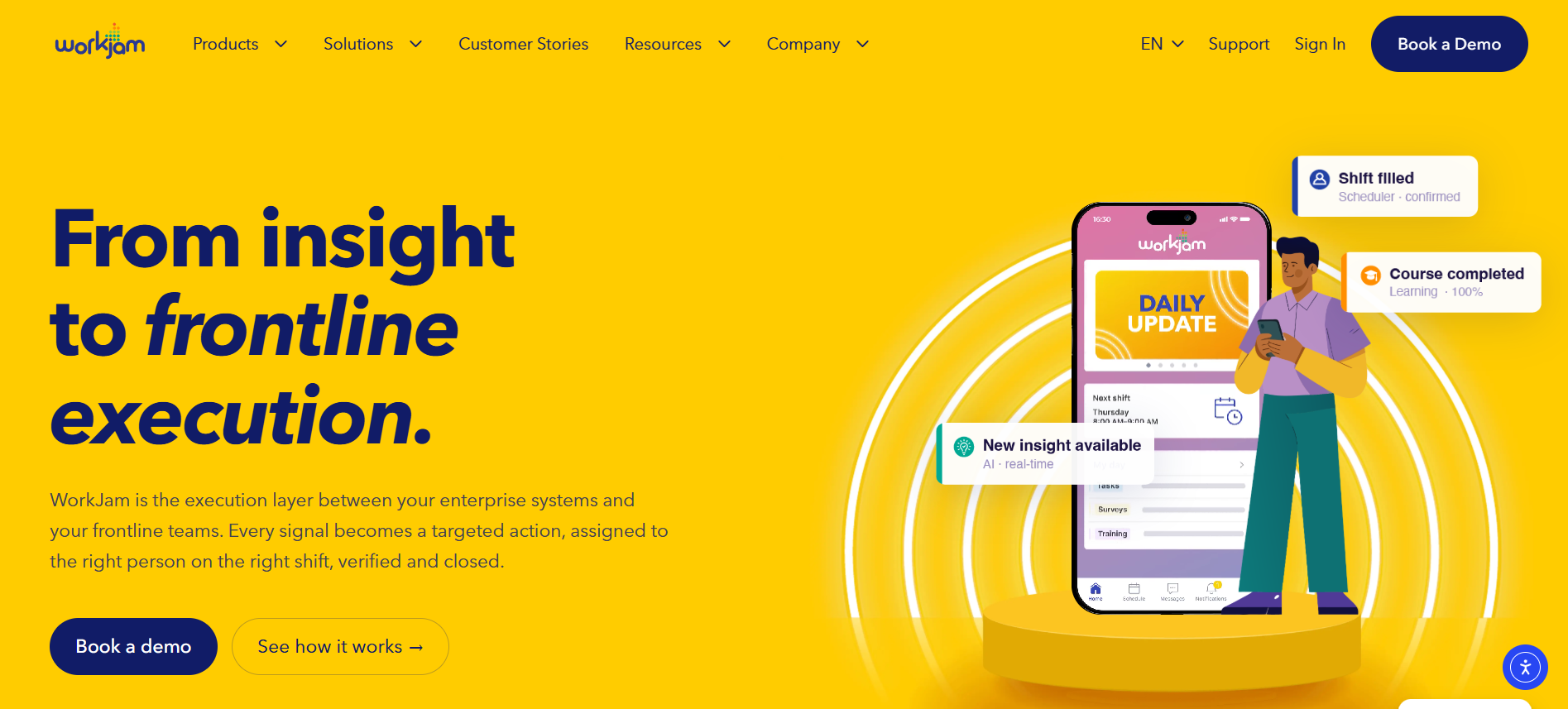
WorkJam goes well beyond frontline internal communication. It combines communication with scheduling, staffing, task management, audits, training and other frontline execution functions.
Its communication tools can target messages by factors including location, position, region, department and shift status. Mandatory messages, read receipts and audit reporting help organizations verify delivery of important instructions. WorkJam also provides controls intended to manage when hourly employees can access non-urgent content.
That combination is especially relevant to retail, hospitality, grocery, manufacturing and other organizations with large hourly populations. A communication about a new procedure can sit closer to the task, training or shift where the employee needs to act on it.
WorkJam also directly addresses workers without corporate email and provides iOS, Android and web access.
Pricing: WorkJam is unusually transparent for an enterprise-oriented platform. Frontline Connect Essential costs $799 per month, billed annually, for up to 500 users. Operations Elite 500 costs $1,599 per month, while Operations Elite 1000 is $2,499 per month. Task/audit/forms, staffing and learning packages can add substantial monthly costs.
Those figures make the product easier to budget, but they also show why WorkJam may be excessive for a small company seeking news, messaging and surveys alone.
For organizations that already have strong workforce-management systems and only need internal communications, Staffbase, Firstup, HubEngage or Blink may provide a cleaner fit.
9. YOOBIC: Best for retail frontline communication tied to store execution
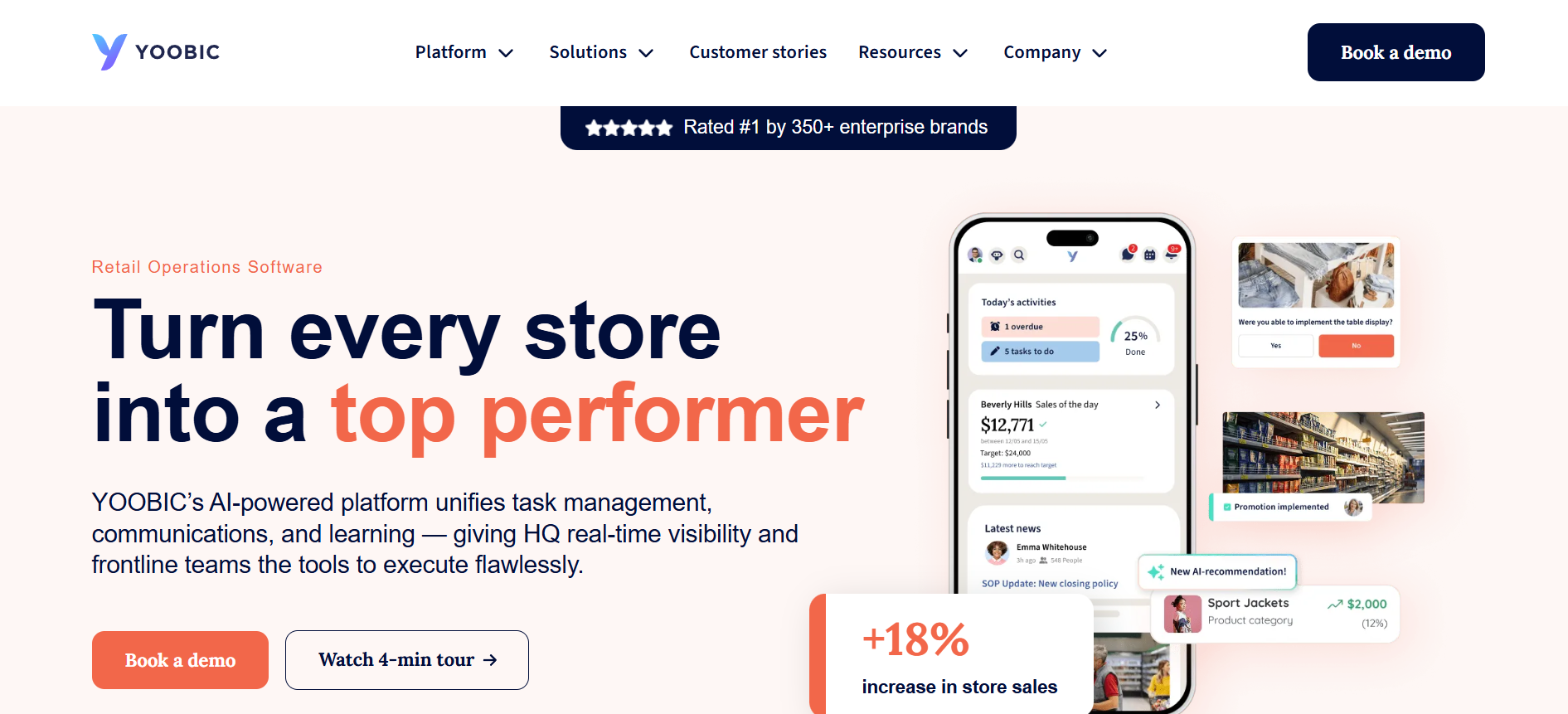
YOOBIC is the most retail-specific option on this list.
Its communication platform gives store teams a company newsfeed, targeted content, read receipts for important updates, 1:1 and group chats, peer communities, engagement analytics, polls, surveys, multilingual translation and a searchable knowledge library. Targeting can distinguish audiences by factors such as role, region or store.
YOOBIC combines those communication capabilities with task management and frontline learning. That makes it particularly relevant when headquarters needs employees to do something after reading an update, such as complete a promotional setup, check a display, review training or follow a new store procedure.
Retailers, grocery operators, convenience businesses, QSR brands and similar multi-site organizations should consider it. A generic manufacturing or healthcare buyer should assess carefully whether YOOBIC’s retail-centered product direction matches its operating model.
Access consideration: YOOBIC is clearly mobile-first and built around deskless store teams. However, the current public product material reviewed did not explain no-corporate-email enrollment as explicitly as Blink, Staffbase, Beekeeper or Connecteam. Companies with seasonal associates or workers without corporate identities should require the vendor to demonstrate onboarding, account recovery and shared-device policies.
Pricing: YOOBIC does not publish numeric rates. Pricing depends on the number of locations or users and the modules selected, including Task Management, Communications, Learning and AI.
If retail execution is central to the purchase, YOOBIC deserves serious consideration. If your problem is enterprise communications across many industries and office functions, Staffbase or Firstup will generally be broader candidates.
Which frontline employee communication app fits your workforce?
The best shortlist becomes clearer when you start with the operating problem instead of comparing total feature counts.
| Buying situation | Platforms to consider first | Reason |
| Communication plus employee engagement | HubEngage, Blink, Workvivo | Communication combines with surveys, recognition, community or engagement features |
| Mobile-first deskless communication without corporate email | Blink, Staffbase, Beekeeper, Connecteam, WorkJam | Current first-party material documents practical no-email access models |
| Large-enterprise internal communications | Staffbase, Firstup | Strong audience management, governance, multichannel publishing and measurement |
| Mixed frontline and office workforce | Staffbase, Workvivo, Firstup, HubEngage | Designed to span different employee populations and digital channels |
| Communication plus scheduling and frontline operations | Connecteam, WorkJam | Scheduling and other workforce workflows can sit alongside communication |
| Retail and store execution | YOOBIC, WorkJam | Communication connects closely with store tasks, training and execution |
| Small or mid-size frontline business | Connecteam, Blink | Transparent entry pricing and comparatively straightforward frontline use cases |
| Enterprise multichannel reach and segmentation | Firstup, Staffbase, HubEngage | Strong distribution, audience targeting and measurement across several channels |
| Employee community and culture across workforce types | Workvivo, Blink | Social participation and employee connection are significant parts of the product experience |
Industry also changes the answer. A 40-store restaurant chain may value Connecteam’s scheduling and communication combination. A 70,000-person manufacturer may care more about Staffbase’s governance or Firstup’s segmentation. A global retailer that wants store communications tied directly to tasks and learning may put YOOBIC or WorkJam much higher on its list.
What features should you evaluate before buying?
A good frontline employee app needs to work for the employee with the most difficult access conditions, not merely the communications administrator using a laptop at headquarters.
Start with identity and access. Test whether a worker can activate an account without corporate email, whether SSO and non-SSO populations can coexist, how temporary employees are removed, and what happens when somebody changes a phone number or forgets credentials. For a useful technical reference point on identity proofing, authentication and federation, review the NIST SP 800-63-4 Digital Identity Guidelines.
Then evaluate reach and targeting. Ask whether communications can be segmented by location, role, department, shift, employment type or language. Confirm whether urgent messages support push notifications, SMS or another channel your workforce will actually receive.
For high-consequence information, inspect acknowledgements and measurement. A view count and a required acknowledgement answer different questions. Healthcare, manufacturing and logistics teams may need evidence that a specific policy or safety message reached the intended group.
Multilingual organizations should test translation with real workplace terminology. Also check whether search works inside the mobile app, whether documents remain readable on a phone and whether employees can find an answer without scrolling through weeks of feed content.
Integrations matter when employee attributes determine targeting. HRIS synchronization can keep location, manager, job role and employment status current without manual list maintenance. Organizations buying a broader frontline engagement platform should also investigate workforce-management, payroll, learning, identity and productivity integrations.
Finally, examine administration and security. Ask about SSO, multifactor authentication, role-based permissions, data retention, audit capabilities, device controls, data residency where relevant, APIs and employee offboarding.
Do off-shift notifications create an HR or wage-and-hour issue?
They can, depending on what employees are expected to do.
For US employers with non-exempt workers, app design should be paired with a clear policy on off-shift activity. The US Department of Labor states that hours worked generally include additional time an employee is “suffered or permitted” to work.
That does not mean every push notification automatically creates compensable work. It does mean employers should involve HR and legal counsel when employees may be expected to read mandatory communications, complete training, respond to messages or perform tasks outside scheduled hours.
Review the US Department of Labor guidance on off-the-clock work and configure app access, notification rules and manager expectations accordingly.
How should you measure frontline app adoption and engagement?
Do not judge success only by downloads.
Track activated users as a percentage of eligible employees, weekly or monthly active users, message reach, read or acknowledgement rates for critical content, survey participation, search usage and response rates by workforce segment.
Segment the results. An 80% company-wide adoption rate can conceal a plant, region or night shift where only 35% of employees have activated the app.
You should also measure the operational outcome behind the communication. If the goal was to reduce missed procedure updates, track missed updates. If the app replaced manager cascades, measure how quickly new information reaches each shift. If the goal was knowledge access, measure whether repeated questions or support requests decline.
Survey scores can supplement those measures, but they should not replace evidence of actual reach and behavior.
Frequently asked questions
What is the best frontline employee communication app in 2026?
There is no universal winner. HubEngage is strong for multichannel communication plus engagement; Blink for straightforward mobile-first deskless communication; Staffbase and Firstup for enterprise communications; Connecteam and WorkJam when operations need to sit beside communication; Workvivo for employee community; Beekeeper by LumApps for frontline workflows; and YOOBIC for retail execution.
How much do frontline employee communication apps cost?
Pricing varies sharply. As of September 8, 2026, Blink starts at $3.75 per user per month when billed annually. Connecteam’s Communications Hub starts at $29 per month annually for the first 30 users. WorkJam Frontline Connect Essential costs $799 per month annually for up to 500 users. HubEngage, Staffbase, Beekeeper by LumApps, Workvivo, Firstup and YOOBIC require a quote for the configurations compared here.
Which frontline communication apps work without corporate email?
Blink, Staffbase, Beekeeper by LumApps, Connecteam and WorkJam explicitly address no-corporate-email frontline populations in their current first-party material. Workvivo can support frontline employees outside the corporate identity directory using personal email/password in a mixed authentication setup. For HubEngage, Firstup and YOOBIC, buyers with strict no-email requirements should confirm the exact enrollment method during evaluation.
Should you choose a dedicated communication app or an all-in-one frontline platform?
Choose based on the main job you need the software to perform. If message distribution, segmentation, measurement and internal publishing are central, begin with communication-first platforms. If scheduling, task execution, store operations or workforce workflows drive the project, consider platforms such as Connecteam, WorkJam or YOOBIC. Buying a much broader system does not automatically produce better communication.
What security questions should you ask?
Ask about authentication, SSO and MFA, account provisioning and termination, role-based access, audit logs, encryption, device security, data retention, privacy requirements, integrations and incident-response processes. Organizations using personal employee phones should also define what company data remains on those devices and what happens after an employee leaves.
Final buying guidance
Build your shortlist around your workforce before you compare demonstrations.
Document how many employees lack corporate email, how many use personal or shared mobile devices, which shifts and locations are hardest to reach, which languages matter, and which employees spend little or no time at a workstation.
Next, identify the communication channels you genuinely need. Push notifications may be enough for one organization. Another may need app, email, SMS, digital signage and Microsoft tools from a single publishing process.
Then separate communication requirements from operational requirements. Scheduling, time clocks, task management and store execution can make an all-in-one frontline platform valuable, but they can also add cost and administrative complexity when your real problem is message reach.
Finally, compare vendors using the same scenario. Ask each one to demonstrate how it would onboard a worker without corporate email, target an urgent message to a specific shift or location, translate it, confirm receipt, collect feedback, find a related policy, remove a terminated employee and report the outcome.
That exercise will tell you more than a long feature checklist. The best frontline employee communication app is the one your organization can administer reliably and your hardest-to-reach employees can actually access during the workday.