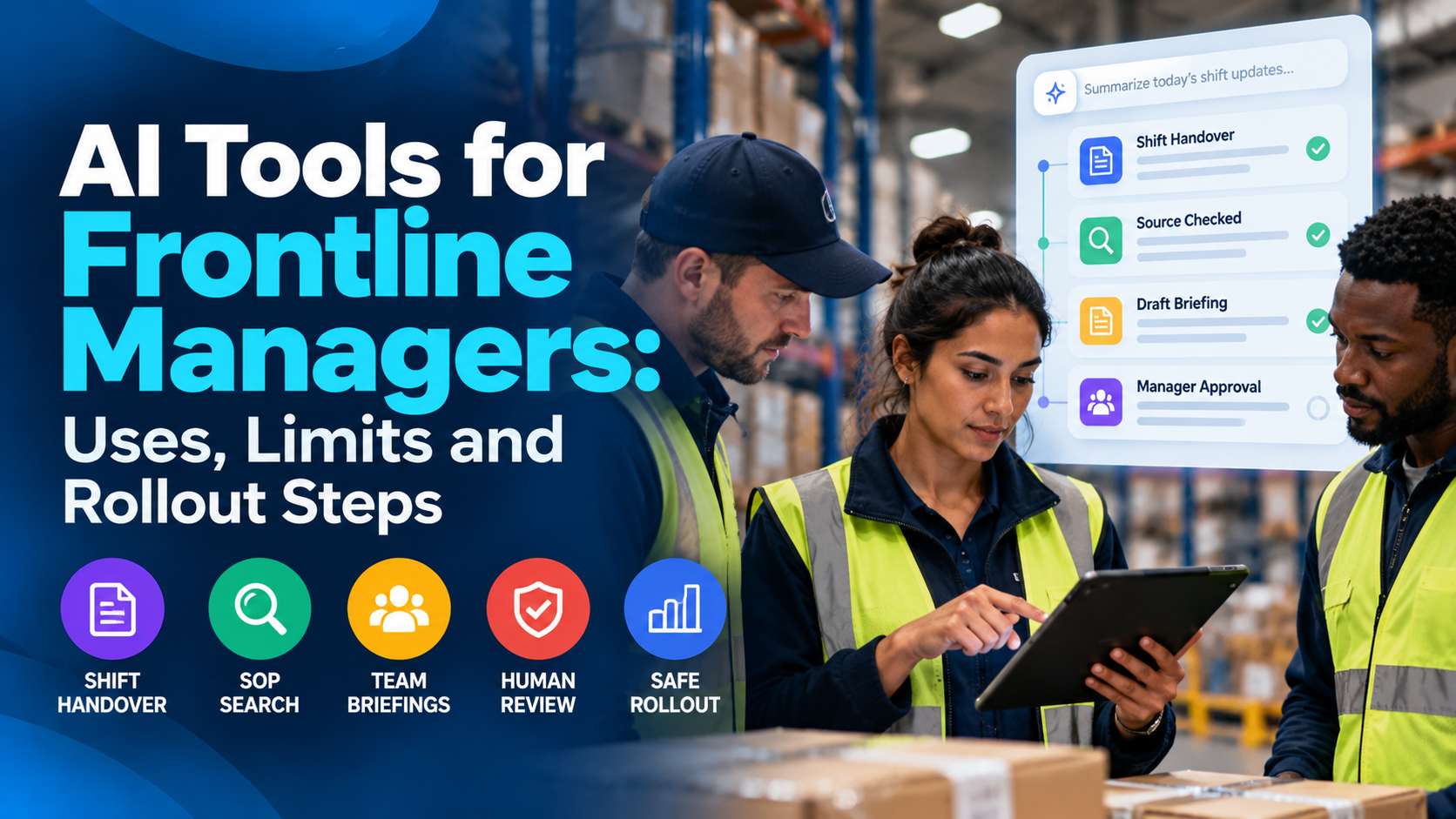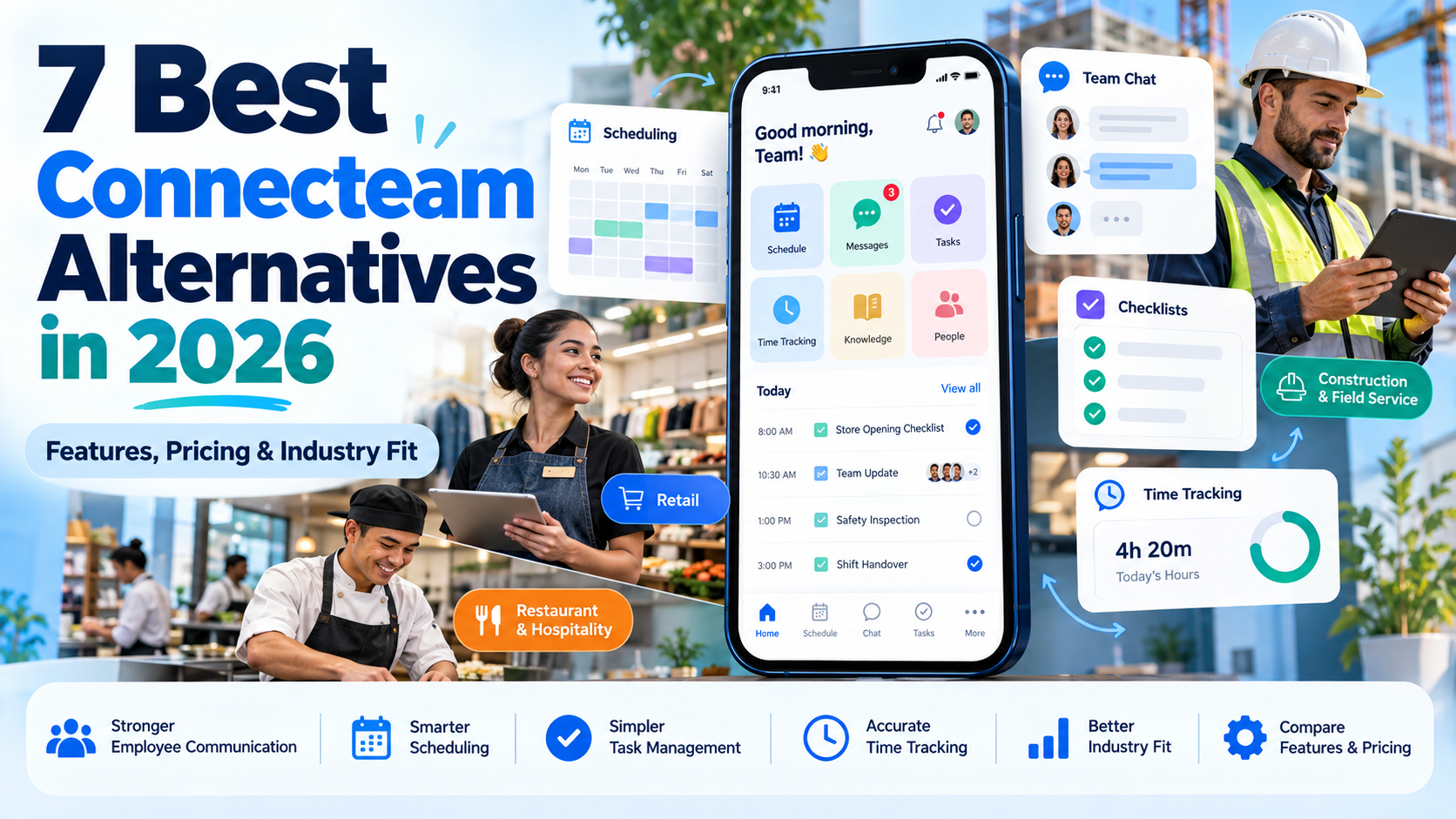
The best enterprise social network platforms connect employee communication to knowledge, tools, managers, and operational action. The right choice depends on your ecosystem, workforce mix, governance needs, and how far employees must move from reading a message to completing a task.
An enterprise social network platform is a governed digital space for employee communication, communities, knowledge exchange, recognition, and leadership interaction. The most popular advice often treats the category as a contest between familiar names. That misses the buying decision. A social feed can create visibility without improving access to information, manager communication, frontline execution, or workforce data.
TurnOnWork evaluates these tools through a workforce-experience lens. The relevant question isn’t only whether employees can post, react, or join a community. It’s whether the platform helps HR, internal communications, IT, managers, and operations deliver useful information to the people who need it, in a format they can act on.
Key Takeaways
- Ecosystem fit matters: Microsoft 365, Google, Zoom, HR, and operations environments shape the practical value of each platform.
- Frontline access changes the shortlist: Mobile delivery, non-email access, localization, and task execution matter for deskless workers.
- Governance protects usefulness: Moderation, targeting, search, permissions, and AI controls prevent the network from becoming another noisy channel.
- Adoption depends on managers: Employees need relevant reasons to return, not just a corporate feed.
- Measurement should connect activity to action: Track reach and participation alongside knowledge access, task completion, and operational outcomes.
An internal social network for employees differs from an intranet because it emphasizes interaction, communities, and employee-generated conversation rather than primarily structured publishing. It differs from team chat because it supports broader, more persistent communities and organization-wide dialogue instead of fast, small-group coordination. The seven enterprise social networking software options below are different fits, not an undisputed winner.
1. Microsoft Viva Engage formerly Yammer
Microsoft Viva Engage fits organizations that already run identity, collaboration, documents, and compliance through Microsoft 365 and Teams. It combines company-wide communities, employee conversations, leadership interaction, Q&A, recognition, and campaign activity within that existing environment.
The platform includes communities, storylines, AMAs, polls, praise, rich posts, and Leadership Corner. Answers in Viva supports knowledge questions with AI assistance, while Copilot can help draft posts. Connections with Teams, Outlook, SharePoint, and Microsoft 365 governance and compliance can place social communication alongside the work employees already perform.

Where Viva Engage fits best
Its main advantage is ecosystem continuity. IT teams can avoid introducing a separate employee communication platform when Microsoft 365 already provides identity, collaboration, document management, and compliance controls. Employees may reach communities and conversations through familiar Microsoft surfaces instead of switching to an isolated workplace social network.
That continuity also supports discovery and oversight across a large organization. Leadership updates, cross-functional communities, and knowledge questions can share one enterprise network, while Microsoft 365 controls can support compliance and eDiscovery requirements. The benefit depends on information architecture. Familiar access does not prevent duplicated communities, unclear ownership, or unanswered questions.
Premium Viva capabilities require additional licensing. Viva Engage is therefore a stronger fit for Microsoft 365-centric organizations than for companies whose HR, frontline, or operational workflows sit mainly elsewhere. Mixed-ecosystem buyers should test access, workflow handoffs, and knowledge retrieval with representative users before committing.
Practical rule: Choose Viva Engage because it connects social communication to Microsoft 365 work, not only because employees recognize the Yammer name.
TurnOnWork decision model
TurnOnWork’s comparison of Microsoft Viva alternatives for employee experience is useful for testing the shortlist against six criteria: audience reach, ecosystem fit, actionability, governance, adoption friction, and measurement readiness. Viva Engage is strongest on ecosystem fit and governance for Microsoft organizations. Its actionability and reach depend on whether frontline employees can access it within daily workflows. Measurement also requires defined outcomes, such as knowledge resolution or campaign participation, rather than relying on reactions alone.
Trade-offs for workforce experience
Adoption still depends on community owners and manager behavior. HR and internal communications should define which discussions belong in Engage, which require Teams, and which should become durable SharePoint knowledge. Review the official Microsoft Viva Engage page before evaluating licensing and deployment requirements.
2. Workvivo by Zoom
Workvivo is a strong choice for organizations that want a social feed to serve as the front door to a broader employee experience platform. Its core experience combines organization-wide posts, communities, events, recognition, employee profiles, knowledge, analytics, and mobile access.
The platform includes reactions, mentions, shout-outs, communities, events, and an employee app. Zoom ownership adds a natural strength in video, live-streaming, and town hall communication. Workvivo HQ extends the experience beyond a feed by bringing communications and knowledge into a digital headquarters model.
Why Workvivo stands out
Workvivo makes sense when internal communications teams need more than a publishing tool. A company update can sit alongside recognition, community discussion, an event, and a live town hall. That creates a more connected communication experience than sending isolated announcements across email, chat, and a separate intranet.
Its mobile experience is particularly relevant to frontline leaders assessing an employee communication platform for distributed workers. A strong mobile channel can reduce dependence on corporate email, but the buyer still needs to validate access, authentication, language, and shift patterns with representative employees.
Workvivo also has a specific relevance for organizations leaving Workplace by Meta. Its migration positioning can reduce the disruption of moving communities, content, and employee habits to a new platform. That makes it one of the most direct Workplace from Meta alternatives to investigate.
Trade-offs for buyers
Workvivo’s wider employee-experience scope can be an advantage, but it may exceed the needs of a team that only wants a basic internal social network. The broader the platform, the more important it becomes to define ownership across communications, HR, IT, and operations.
Pricing isn’t public, so buyers should expect an enterprise sales process and should request a proposal based on actual audiences, integrations, mobile needs, and migration requirements. Read TurnOnWork’s Workvivo alternatives comparison alongside the official Workvivo by Zoom site when building a shortlist.
3. Simpplr
Simpplr is best suited to organizations seeking a governed social intranet rather than an informal employee feed. It combines social feeds, recognition, communications tooling, enterprise search, targeting, analytics, and AI assistance for internal content.
Employees can use comments, reactions, recognition, and social feeds, while communications teams can use campaigns, newsletters, audience targeting, and performance analytics. Comms AI supports internal communications work, and enterprise search helps employees locate information beyond the most recent post.

The governance advantage
Simpplr’s central appeal is the relationship between social interaction and controlled publishing. Internal communications teams often need both. Employees should have a place to ask questions and recognize colleagues, while official messages need targeting, ownership, review, analytics, and a reliable destination after the feed moves on.
That structure can help HR and communications leaders avoid treating every update as an all-company broadcast. A campaign can reach a defined audience, link to a durable knowledge resource, and generate interaction without relying on employees to search through an undifferentiated stream.
The platform’s AI features should be evaluated as part of communications governance. Buyers need to understand what content AI can draft, summarize, recommend, or surface, and where human approval remains mandatory. AI can reduce production friction, but it shouldn’t decide sensitive employee messaging without accountable review.
Best use case and limitations
Simpplr is a credible option for organizations modernizing an intranet while adding social capabilities. Its governance and usability emphasis should appeal to communications and IT teams that need structure without abandoning employee participation. The platform also includes a mobile employee app with frontline support.
Feature depth can require a deliberate rollout. A buyer should begin with a small set of high-value journeys, such as leadership updates, policy discovery, recognition, onboarding, or location-based communications, rather than exposing every module at once.
Pricing isn’t listed publicly, so procurement teams should request a scope that separates core functionality, integrations, implementation, and optional capabilities. For context on how an intranet can support workplace experience, see TurnOnWork’s analysis of the post-intranet workplace and review Simpplr’s official platform information.
4. LumApps
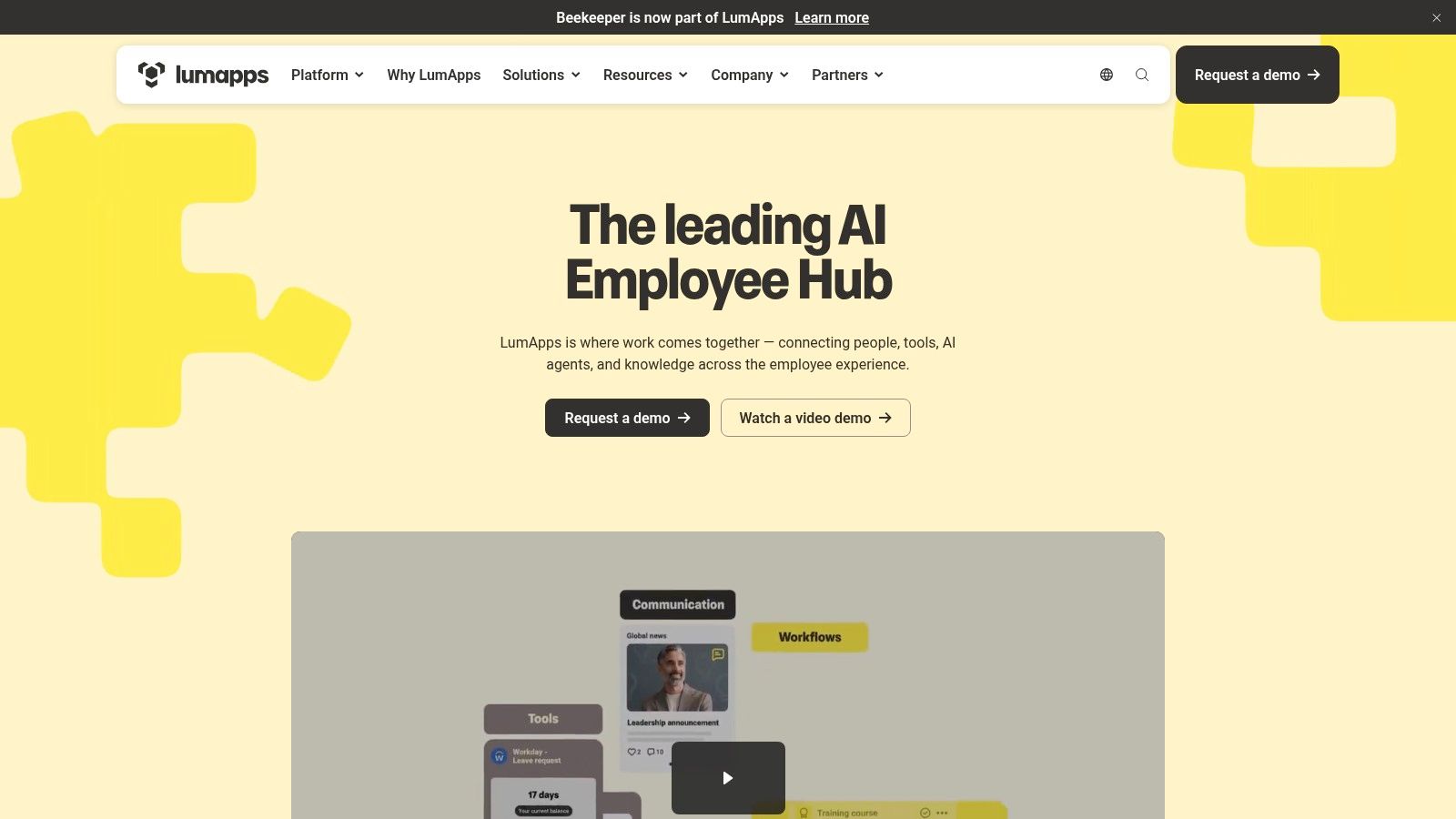
LumApps is the strongest candidate in this list for organizations that need to connect employee communication with frontline access, enterprise systems, and operational workflows. It blends social news, communities, AI, micro-apps, learning, onboarding, recognition, and self-service into a broader employee hub.
The platform supports targeted social news, communities, analytics, enterprise search, micro-apps, and an AI Agent Hub. Its connectors span Microsoft, Google, Workday, ServiceNow, and other enterprise systems. LumApps also emphasizes mobile-first access for employees without corporate email, secure chat with inline translation, and frontline use cases.
Moving from communication to action
A workplace social network becomes more valuable when employees can do something immediately after reading an update. LumApps supports that transition through forms, workflows, micro-apps, HR and IT self-service, onboarding, microlearning, and connectors to systems where work already happens.
That matters for frontline leaders. A store, plant, clinic, hotel, construction site, or delivery operation may need an update to lead directly to a form, checklist, policy, learning activity, or service request. A feed alone creates awareness. An integrated employee communication software layer can create a path to execution.
Research on frontline communication describes effective systems using living documents updated in real time, centralized hubs, app alerts, plain language, visual aids, standardized templates, and pre-recorded video briefings. Those mechanics support a practical LumApps evaluation because they test whether information remains accessible and actionable across shifts and literacy levels. The frontline communication research provides useful context for that assessment.
Trade-offs for implementation
LumApps offers a broad feature set, which can create implementation scope and governance demands. IT, HR, communications, and operations should agree on the platform’s role before activating every connector or micro-app.
The platform is especially compelling when non-email users and operational follow-through are central requirements. Pricing isn’t public, and buyers should validate deployment effort, identity access, translation behavior, offline constraints, and content ownership with actual frontline employees. Explore the official LumApps platform for current product details.
5. MangoApps Workplace
MangoApps Workplace is a practical fit for distributed and deskless-heavy organizations that want an enterprise social network, intranet, chat, collaboration, and operational functions in one environment. Its interface combines a news feed, groups, recognition, polls, organizational information, work chat, file sharing, tasks, workflows, and a knowledge library.
The platform also provides mobile apps for frontline workers and supports users who may not have corporate email. Its feature set includes SSO, moderation, governance, analytics, integrations, and compliance options. Buyers can review the vendor’s published plan structure on the MangoApps Workplace pricing page.
A useful mid-market comparison point
MangoApps is valuable as a comparison point because it makes the category less dependent on large-suite procurement. Clear tiered pricing can make a pilot easier to scope, especially for teams that need to connect social communication with tasks and knowledge without beginning with a broad employee-experience transformation.
That doesn’t mean the product is automatically the right choice for a large enterprise. Organizations with complex global structures should test scale, administration, integration depth, reporting, identity architecture, and regional governance rather than assuming a social feed will remain manageable as participation grows.
Where it can reduce channel switching
The combination of work chat, file sharing, tasks, workflows, and knowledge gives MangoApps a stronger communication-to-action profile than a social-only product. A manager could use a group to explain a change, attach a resource, assign follow-up work, and keep the discussion connected to the relevant operational context.
That design can support workforce experience when employees need fast answers and clear next steps. It can also create clutter if every task, announcement, document, and conversation enters the same space. Governance should establish naming rules, ownership, archiving, moderation, and escalation paths before launch.
AI assistants and learning capabilities are optional additions, so buyers should separate core requirements from add-on costs. Evaluate MangoApps against both employee engagement platforms and internal communication software, not only against social networks. The official MangoApps Workplace site provides the vendor’s current positioning.
6. Staffbase Employee App
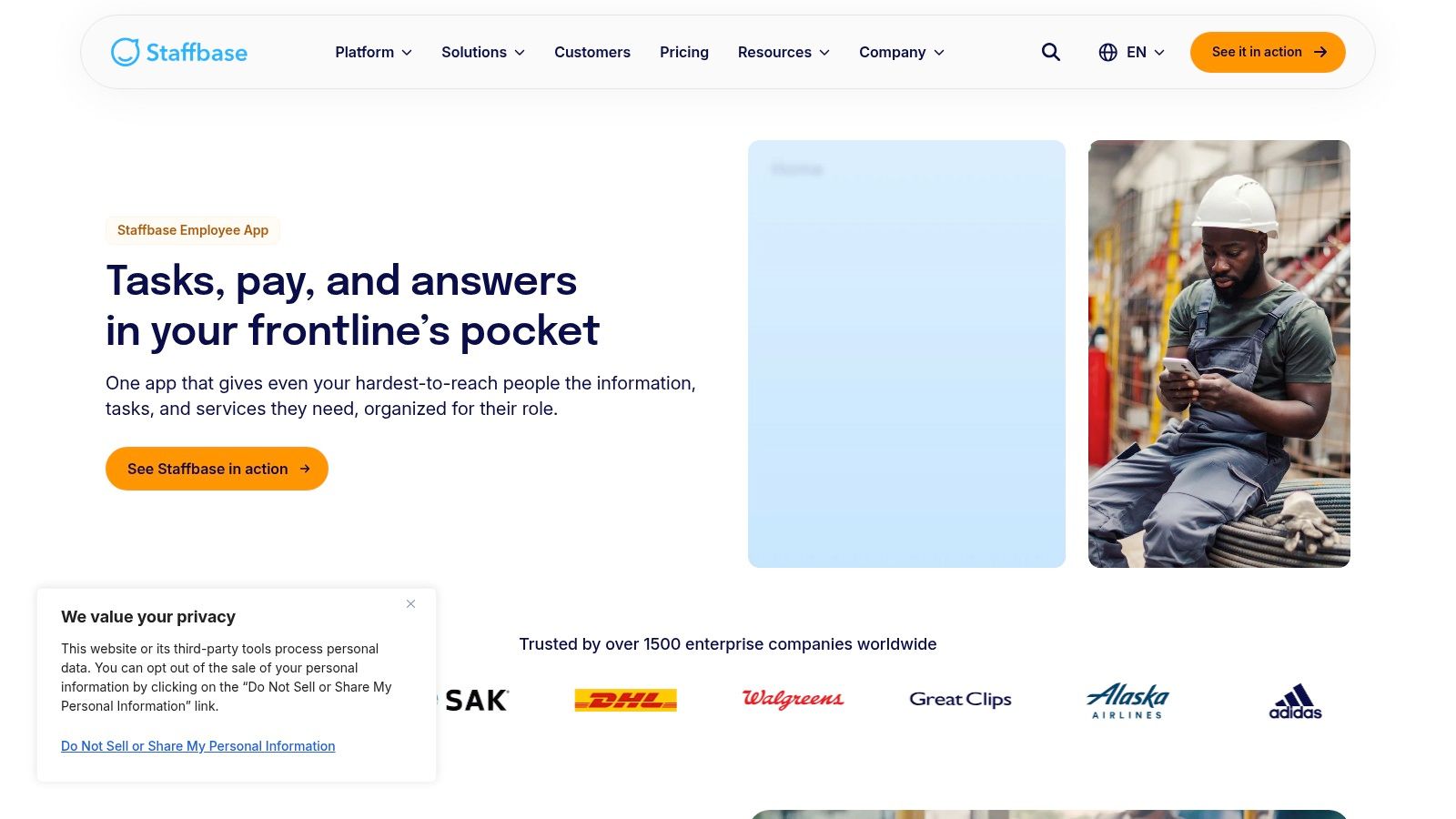
Staffbase is designed for organizations where mobile communication, frontline reach, moderation, and official messaging must coexist. Its employee app includes social walls for peer posts, comments, multimedia sharing, reactions, recognition campaigns, mandatory reads, analytics, HR and operations integrations, and multilingual support.
Separating conversation from official information
The platform’s granular permissions can help organizations distinguish user-generated content from official news. That separation matters in regulated, multilingual, or highly distributed environments where employees need a social space but managers must also prove that critical information reached the right audience.
Mandatory reads and analytics can support communication accountability. They don’t prove that employees understood or acted on a message, however. Internal communications teams should pair delivery measures with manager confirmation, knowledge checks, workflow completion, or operational indicators appropriate to the message.
Frontline communication is a persistent organizational problem. A 2023 report found that 77% of organizations had issues delivering key messages to frontline workers, while 41% reported glaring inefficiencies in the day-to-day frontline experience. Those figures come from the 2023 frontline employee experience report, and they show why reach alone isn’t an adequate platform criterion.
A message is only operationally useful when the intended employee can receive it, understand it, find the related resource, and complete the next step.
Best fit and adoption risks
Staffbase is a strong candidate for retail, manufacturing, healthcare, hospitality, transportation, franchises, and other environments with non-desk employees. Multi-language support and mobile delivery can reduce access barriers, while social walls can give employees a voice beyond top-down announcements.
The trade-off is execution complexity. Organizations must define which content belongs in news, social walls, campaigns, HR workflows, or operational tools. Pricing is quote-based, and buyers should validate permissions, moderation responsibilities, language workflows, authentication, and integration behavior during a representative pilot.
Read TurnOnWork’s Staffbase alternatives guide and consult the Staffbase Employee App page for the current product scope.
7. Unily
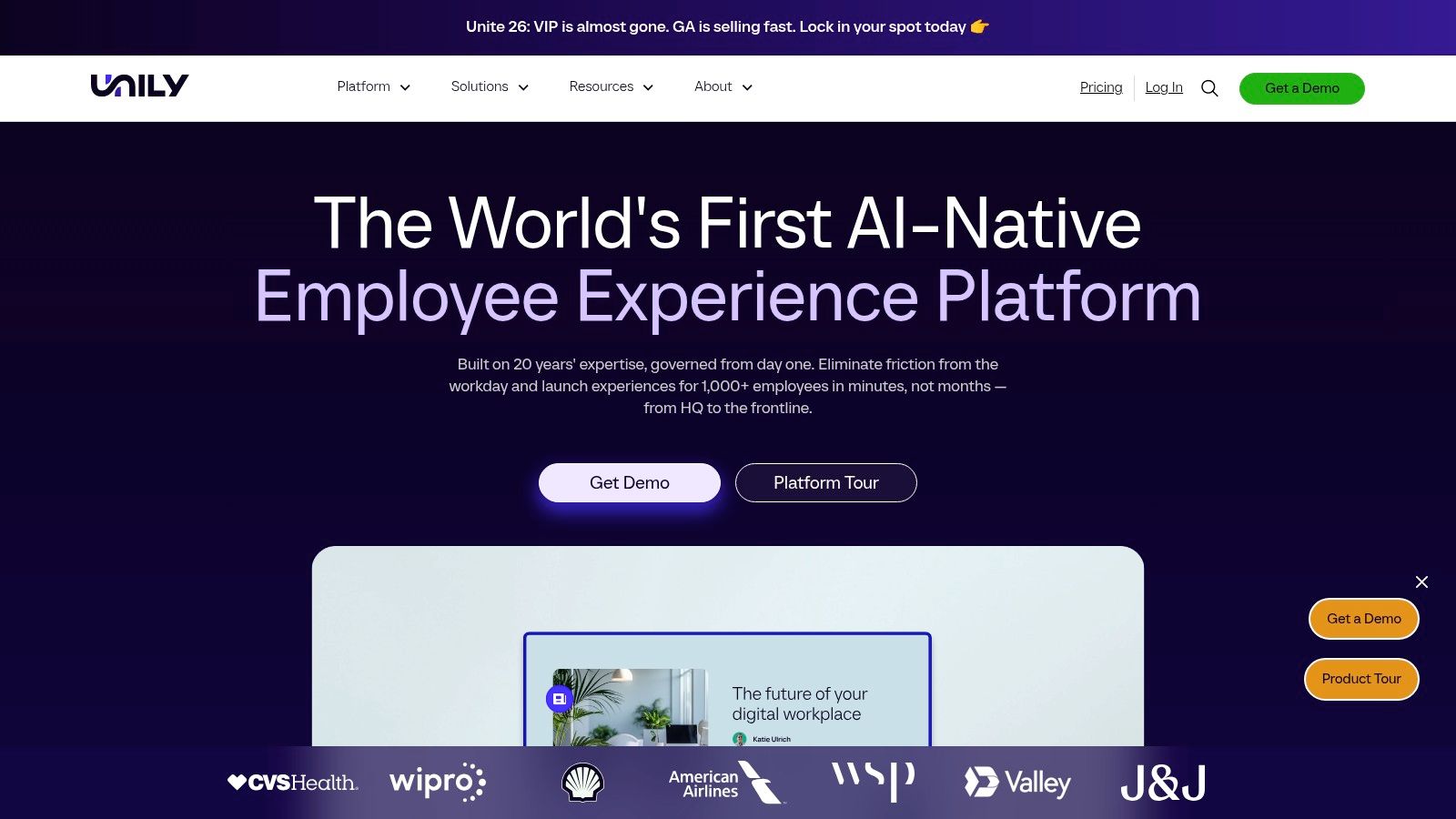
Unily is a broad enterprise employee-experience and social intranet platform for organizations that need global scale, multilingual communication, content governance, integrations, and analytics. It combines communities, social feeds, messaging, profiles, recognition, a content management system, mobile access, sentiment tracking, and AI-assisted content creation.
Its enterprise connections include Microsoft 365, Workday, and other systems. The platform also emphasizes multilingual capabilities, enterprise security, compliance, analytics, and a mobile employee app. These capabilities make Unily a candidate for large multinational organizations with a fragmented technology estate.
Why large organizations may consider it
Unily’s value lies in combining social participation, structured content, enterprise integration, and global governance. A multinational organization may need different messages for regions, functions, roles, or languages while maintaining a coherent employee experience. A platform with targeting, content controls, people discovery, and analytics can reduce the need to stitch together multiple disconnected employee communication platforms.
AI-native content creation can help communications teams prepare drafts and campaign assets, while governance controls determine how those assets are reviewed and distributed. TurnOnWork’s analysis is that AI should be judged by the quality of human decision-making it supports, not by how much content it produces.
Trade-offs and ownership
Unily’s broad scope can mean a heavier implementation and a higher total cost of ownership than a mid-market tool. Pricing isn’t public, and buyers should model implementation, content migration, regional ownership, integration maintenance, moderation, training, and measurement before selecting it.
The platform is most defensible when the organization has genuine complexity, such as multiple countries, business units, languages, systems, and audience needs. Smaller teams may find the operating model disproportionate unless they have a clear roadmap for using the broader platform.
Use TurnOnWork’s employee communication tools review to frame the category around communication outcomes, then validate current functionality with Unily’s official platform information.
Top 7 Enterprise Social Networks, Feature Comparison
| Solution | 🔄 Implementation Complexity | ⚡ Resource Requirements | 📊 Expected Outcomes | 💡 Ideal Use Cases | ⭐ Key Advantages |
|---|---|---|---|---|---|
| Microsoft Viva Engage (formerly Yammer) | Low–Medium, native to Microsoft 365; premium Viva features add steps | Low for M365 tenants; advanced features need Viva licensing | High, scalable communities, leadership engagement, compliant eDiscovery, AI Q&A | Enterprises standardized on Microsoft 365/Teams needing integrated social + knowledge | ⭐⭐⭐⭐ Tight M365 integration, strong compliance, AI-assisted Answers |
| Workvivo by Zoom | Medium, enterprise rollout; migration tooling available | Medium, enterprise sales model; video/live event resources | High, engaging social feed, strong live video/town-hall reach | Organizations needing live streaming, mobile employee app, or Workplace migrations | ⭐⭐⭐⭐ Zoom-backed video/town-hall strength; proven large rollouts |
| Simpplr | Medium–High, feature-rich requiring governance and phased rollout | Medium, enterprise licensing; comms and IT investment for governance | High, targeted comms, analytics, AI-assisted content and search | Companies seeking a modern, governed intranet and targeted communications | ⭐⭐⭐⭐ Analyst-recognized, strong governance and Comms AI |
| LumApps | High, broad feature set and integrations require substantial implementation | High, integration work (Google/Microsoft/HR systems), governance to avoid sprawl | High, mobile-first frontline reach, automation, micro-app workflows | Frontline-first and hybrid Google/Microsoft environments needing micro-apps and multilingual access | ⭐⭐⭐⭐ Mobile-first, deep ecosystem connectors, automation capabilities |
| MangoApps Workplace | Medium, configurable; easier to pilot but add-ons increase scope | Low–Medium, transparent tiered pricing; optional paid add-ons (LMS, AI) | Medium–High, consolidated social, chat, tasks for distributed teams | Distributed and deskless-heavy organizations wanting social + ops in one platform | ⭐⭐⭐ Clear pricing, purpose-built frontline features |
| Staffbase Employee App | Medium, requires planning to separate social vs official news and workflows | Medium, quote-based pricing; mobile and multi-language setup effort | High, secure frontline comms, mandatory reads, moderated social walls | Frontline and multi-language workforces needing strict moderation and mobile-first comms | ⭐⭐⭐ Strong governance, mobile-first and multilingual support |
| Unily | High, enterprise-grade implementation with clear ownership and rollout plan | High, typically higher TCO, deep integrations with M365/Workday and others | High, AI-native CMS, enterprise content, analytics, multilingual scale | Large multinational organizations needing enterprise intranet/CMS and global scale | ⭐⭐⭐⭐ Enterprise-grade CMS, deep integrations and AI-native features |
Turn the Shortlist Into a Workforce-Experience Decision
The best enterprise social network software is the one that reaches the right employees, fits the systems they already use, and helps them act. A platform that generates reactions but leaves knowledge buried, managers unsupported, or frontline workers excluded can increase channel volume without improving workforce experience.
Enterprise social networking has become a measurable market. Future Market Insights estimates the global market at USD 6.10 billion in 2025, rising to USD 6.97 billion in 2026 and reaching USD 26.54 billion by 2036, with a projected 14.3% CAGR from 2026 to 2036. The forecast indicates an incremental opportunity of USD 19.57 billion over that decade. These figures are Future Market Insights’ enterprise social networks market forecast, not a guarantee that any individual deployment will succeed.
The adoption story also has historical depth. Eurostat data shows that 60.9% of EU enterprises used at least one type of social media in 2023, and 58.9% used social networks, compared with 34.1% using social networks in 2015. Large enterprises were further ahead, with 84.8% using social networks, compared with 55.9% of small enterprises. The figures are summarized in the Eurostat-based enterprise social software adoption reference. Market adoption doesn’t remove the need for fit, governance, or operational design.
The TurnOnWork decision model
The following is a TurnOnWork editorial model, not an established industry standard. Score every shortlisted platform from one to five for each dimension, using evidence from demonstrations, security reviews, employee testing, and a pilot. Don’t award a high score because a vendor lists a feature. Award it when representative employees can use the feature in a real workflow.
- Ecosystem fit: How naturally does the platform connect to Microsoft, Google, Zoom, HR, IT, knowledge, and operational systems?
- Workforce reach: Can office, hybrid, remote, frontline, non-email, multilingual, and shift-based employees access it?
- Communication-to-action capability: Can a message lead directly to a document, form, task, workflow, learning activity, or service request?
- Governance: Can teams manage permissions, moderation, targeting, official content, retention, search, and escalation?
- Adoption friction: How many new habits, logins, channels, and training steps does the platform introduce?
- Integration readiness: Can the platform exchange useful data with the systems where work and employee records already live?
- AI controls: Can users understand what AI does, review outputs, protect sensitive information, and retain human accountability?
- Measurement readiness: Can HR and communications teams connect reach and participation to knowledge access, action, and operational outcomes?
A practical implementation sequence
-
Map audiences and use cases. Separate office employees, frontline workers, managers, contractors, regions, languages, and access constraints. Define whether each use case needs conversation, publishing, knowledge retrieval, task execution, or a combination.
-
Define success outcomes. Choose outcomes such as faster policy discovery, stronger manager communication, more reliable frontline message delivery, better onboarding access, or improved knowledge reuse. Avoid making engagement reactions the only definition of success.
-
Validate frontline and accessibility needs. Test mobile access, non-email identity, translation, reading levels, visual content, shared devices, shift changes, and connectivity with actual employees. Research on frontline work shows that perceived organizational support and motivating supervisor language can build organizational trust, while coworker relationships can directly influence supportive behavior. The 2025 frontline worker study supports evaluating both manager communication and peer coordination.
-
Run representative pilots. Include a headquarters group, a manager population, a frontline site, and a group with limited digital access. Test a real campaign, a knowledge question, a recognition activity, and an operational follow-up rather than a cosmetic launch.
-
Establish ownership and moderation. Assign accountable owners in communications, HR, IT, and operations. Define who approves official content, manages communities, responds to questions, archives information, and handles sensitive employee issues.
-
Train managers. Managers should translate broad messages into local context, answer questions, model participation, and identify when a social conversation needs a formal workflow. A platform can’t compensate for absent or inconsistent manager communication.
-
Review adoption and operational metrics. Compare audience reach, repeat use, search success, response activity, and action completion by workforce segment. Investigate low participation rather than treating it as employee resistance by default.
Research on enterprise social networks found that work-related social media use can improve communication, knowledge sharing, resource access, collaboration, belonging, self-efficacy, engagement, and productivity when organizational trust, an open culture, and clear usage guidelines are present. The Griffith University study makes the operating conditions as important as the software.
Common mistakes to avoid
- Choosing by brand recognition: A familiar vendor may fit poorly if frontline workers can’t access it or managers won’t use it.
- Launching a feed without a knowledge model: Social posts decay quickly unless durable answers and documents have clear homes.
- Treating reach as understanding: Delivery and views don’t prove that an employee understood or acted.
- Ignoring trust: Employees may hesitate to share expertise when they fear losing value or control. Research on knowledge sharing identifies governance and intra-organizational trust as critical conditions, as discussed in the enterprise social network knowledge-sharing study.
- Adding AI without controls: Drafting, summarizing, search, and recommendations need human review, access rules, and clear accountability.
- Making managers spectators: Employees need local explanation, responses, and follow-through.
- Measuring everyone together: Aggregate adoption can conceal poor reach among the employees the organization most needs to serve.
Leading indicators include active participation, community activity, search use, response time, content reach, repeat visits, manager activity, and completion of required reads. Business outcomes may include faster access to operational knowledge, fewer repeated questions, stronger onboarding execution, more consistent frontline communication, and improved employee experience. The connection must be tested, not assumed.
Enterprise Social Network Platforms FAQs
What is an enterprise social network platform?
An enterprise social network platform is a governed internal digital space where employees communicate, join communities, exchange knowledge, recognize colleagues, ask questions, and interact with leaders. Unlike a public social network, it operates within organizational identity, permissions, policies, and workplace workflows.
What are the best enterprise social network platforms in 2026?
The best platform depends on the organization. Microsoft Viva Engage fits Microsoft 365-centric enterprises, Workvivo suits organizations seeking a broad social employee experience and Workplace migration support, Simpplr emphasizes a governed social intranet, LumApps connects communication with frontline workflows, MangoApps combines social and operational tools, Staffbase focuses on mobile and frontline communication, and Unily targets broad global enterprise requirements.
What is the difference between an enterprise social network and an intranet?
An intranet traditionally organizes official information, resources, navigation, and self-service. An enterprise social network adds employee-generated conversation, communities, recognition, questions, and leadership interaction. Many current platforms combine both, so buyers should evaluate how clearly official content, social discussion, and durable knowledge are separated.
What is the difference between enterprise social networking software and team chat?
Team chat is optimized for rapid coordination among small groups or project teams. Enterprise social networking software is designed for broader communities, persistent conversations, organization-wide communication, knowledge exchange, and employee participation. The tools can complement one another, but they shouldn’t be forced into the same use case.
What are the best alternatives to Microsoft Viva Engage?
Workvivo, Simpplr, LumApps, MangoApps, Staffbase, and Unily are potential Viva Engage alternatives. The right choice depends on whether the buyer prioritizes Microsoft integration, frontline access, social intranet governance, operational workflows, global scale, or migration simplicity.
What are the best Workplace from Meta alternatives in 2026?
Workvivo is a direct option to investigate because of its Workplace migration positioning. HubEngage’s enterprise social platform is another option for organizations that want social networking alongside employee communications, recognition, surveys, messaging, and mobile access. Staffbase, Simpplr, LumApps, MangoApps, and Unily may also fit depending on migration requirements, identity, frontline access, governance, and broader employee-experience needs.
How do you choose an enterprise social network platform?
Map workforce audiences, define communication and operational use cases, score ecosystem fit and frontline reach, validate governance and AI controls, run a representative pilot, and measure both adoption and action. Don’t choose from a feature sheet alone. Ask employees to complete realistic tasks during evaluation.
Which enterprise social network is best for frontline and deskless employees?
LumApps, MangoApps, Staffbase, and Workvivo deserve close evaluation for frontline and deskless use cases because their supplied product descriptions emphasize mobile access, frontline support, or non-email employees. The best option depends on authentication, language, shared-device access, workflow integration, and the specific operating environment.
Which enterprise social network platforms work best for large organizations?
Microsoft Viva Engage, Workvivo, Simpplr, LumApps, and Unily are strong candidates for large organizations, but the correct choice depends on ecosystem, governance, audience complexity, and implementation ownership. Large scale increases the importance of information architecture, permissions, search, moderation, analytics, and regional governance.
What features should enterprise social networking software include?
Core capabilities should include communities, employee posts, comments, reactions, recognition, leadership communication, search, profiles, mobile access, targeting, moderation, analytics, identity controls, integrations, and knowledge management. For frontline work, add non-email access, multilingual delivery, visual content, living documents, notifications, forms, workflows, and task follow-through.
How do you implement an enterprise social network successfully?
Start with audience and use-case mapping, define measurable outcomes, test access and accessibility with representative employees, run a real pilot, assign content and moderation ownership, train managers, and review adoption by workforce segment. Connect social communication to durable knowledge and operational workflows.
How can companies increase employee adoption of an enterprise social network?
Give employees useful reasons to return, such as answers, local updates, recognition, leadership access, communities, learning, and task support. Make access simple, involve managers, reduce duplicate channels, publish in plain language, and respond visibly to employee questions. Adoption grows when participation produces value for employees, not only reporting value for the organization.
What metrics should HR and internal communications teams track?
Track reach, active participation, repeat use, community activity, search success, response time, manager participation, content interaction, required-read completion, and workflow or task completion. Pair those leading indicators with outcomes such as knowledge access, onboarding execution, frontline communication reliability, repeated-question reduction, and employee experience measures.
Choose the platform that matches your workforce, ecosystem, and operating model, then test it with the employees who are easiest to overlook. Start with the TurnOnWork decision model, run a representative pilot, and document which messages become knowledge, which conversations require managers, and which updates must lead directly to action.